
Quick Verdict
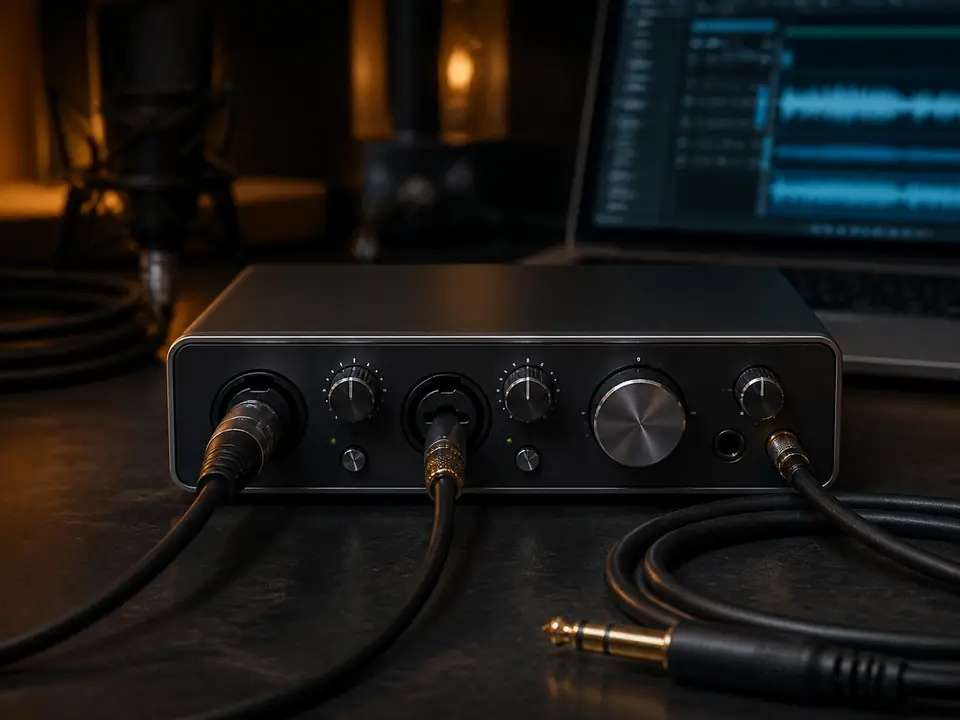
The Behringer UM2 can make sense as a very basic first interface for one beginner vocal mic. Behringer lists it as a 2×2 USB audio interface with a XENYX mic preamp, a combination XLR/TRS input, an additional 1/4 inch instrument input, direct monitoring, phones output, USB-supplied power and +48V phantom power.
Skip it if you need a long-term studio hub. The UM2 is best treated as a simple entry point, not as a premium interface choice for two-mic sessions, measured low-noise performance, advanced routing or long-term expansion.
Review basis: official Behringer UM2 product information checked 2026-07-18 plus MusicalCritic beginner workflow analysis. This page does not claim hands-on testing, measured noise, measured latency, current pricing, stock status, rankings or brand authorization.
Who the UM2 is for
The UM2 is for a beginner who wants to plug one microphone into a computer and start learning the basics: input gain, direct monitoring, headphone level, phantom power and simple recording software setup. It also gives a separate instrument input for guitar or bass ideas.
That makes it a possible first step for a bedroom singer-songwriter, demo maker or vocal learner who does not yet need a two-mic interface. It is not the interface to buy if you already know you will record two vocalists, stereo instruments, multiple microphones or more complex routing.
What Behringer officially lists
| Feature | Why it matters for beginner vocals |
|---|---|
| 2×2 USB interface | Simple computer recording path for a basic setup |
| XENYX mic preamp | Provides the microphone input path for one vocal mic |
| Combination XLR/TRS input | Accepts vocal mic or line-level source depending on setup |
| Additional 1/4 inch instrument input | Useful for a guitar or bass idea beside vocals |
| +48V phantom power | Needed for many condenser microphones |
| Direct monitoring and phones output | Helps beginners hear the input without relying only on delayed software monitoring |
| USB-supplied power | Keeps the setup simple, with no separate power brick |
| RCA outputs | Can feed speakers or monitors, but may not match every studio-monitor cable setup |
Best reasons to choose it
The best reason to choose the UM2 is simplicity. A beginner can learn the core interface workflow without paying for features they do not understand yet: connect the mic, check phantom power if needed, set input gain, turn on direct monitoring, listen through headphones and record a short test.
It also makes sense when the user is moving from a USB microphone mindset into an XLR microphone path. The UM2 teaches the basic interface routine before a user commits to a more expensive interface.
Reasons to be cautious
The UM2 is not a premium long-term recommendation. It has one mic preamp, basic I/O, RCA outputs and an entry-level feature set. If you already know you want cleaner upgrade room, two mic inputs, stronger metering, better monitor outputs or a more durable desk setup, compare other beginner interfaces before buying.
Also be careful with dynamic microphones that need a lot of clean gain. MusicalCritic is not claiming a measured UM2 noise test here. The safer advice is to match the interface, microphone sensitivity, vocal distance and room noise before assuming any low-cost interface will fit every mic.
Beginner setup checklist
- Do you only need one microphone input?
- Does your microphone need +48V phantom power?
- Will you use direct monitoring while tracking vocals?
- Can your headphones plug into the interface comfortably?
- Do you need RCA outputs, or do your speakers expect different cables?
- Have you checked driver, OS and recording-software notes before buying?
- Will you outgrow one mic input quickly?
How to use it for a first vocal take
- Connect the UM2 to the computer through USB.
- Connect the microphone to the combo input.
- Turn on phantom power only if the microphone requires it.
- Plug headphones into the phones output.
- Use direct monitoring if software monitoring feels delayed.
- Set gain with the loudest part of the vocal, not a quiet speaking test.
- Record a short test and listen for clipping, noise and timing comfort.
For the gain step, use How to Set Input Gain for Home Vocal Recording. For delay problems, read How to Record Vocals Without Hearing Delay.
Who should skip it
Skip the UM2 if you want two microphone preamps, a more polished long-term desk interface, balanced monitor output flexibility, detailed metering or a stronger upgrade path. Also skip it if you need a review based on measured preamp noise, measured latency or side-by-side hardware testing; that is not what this page claims.
Better next comparisons
If you want a stronger one-person vocal interface path, start with Best Audio Interfaces for One-Person Vocal Recording. If you are comparing beginner interfaces above the very basic tier, read Scarlett Solo vs Audient iD4 for Beginner Vocals.
If you are still building the full chain, use How to Set Up a Home Vocal Recording Chain and the home vocal recording hub.
FAQ
Is the Behringer UM2 enough for beginner vocals?
It can be enough for one beginner vocal mic if your needs are simple: one mic input, basic monitoring, phantom power if required and a straightforward computer recording path.
Can the UM2 power a condenser microphone?
Behringer lists +48V phantom power on the UM2, which is required by many condenser microphones. Always confirm your specific mic requirement before turning phantom power on.
Is the UM2 good for two microphones?
No. Treat it as a one-mic interface. If you need two microphones at once, look for an interface with two mic preamps.
Does direct monitoring fix vocal delay?
Direct monitoring can help you hear the input without relying only on delayed software monitoring, but the full delay problem can also involve buffer size, DAW settings and plugins.
Should I buy the UM2 only because it is cheap?
No. Check current price, but also check whether one mic input, RCA outputs, basic metering and the upgrade path fit your actual recording plans.