
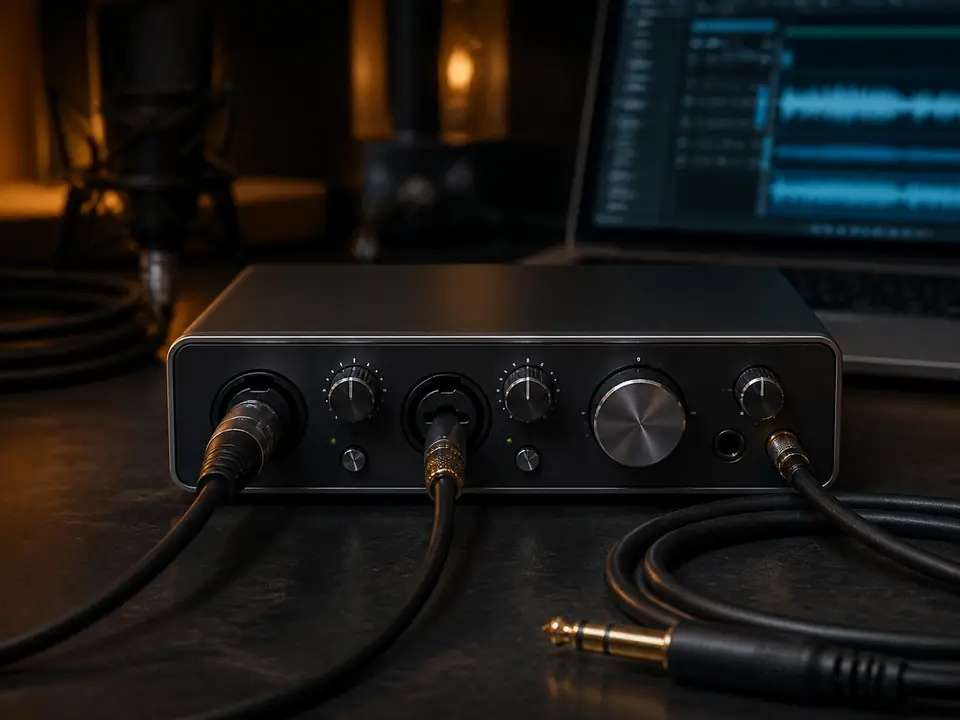
Quick answer: To record vocals without hearing delay, monitor through your audio interface instead of monitoring the delayed signal from your recording software. Turn on direct monitoring, lower the buffer size only if you need software effects, and keep the vocal chain simple while tracking.
Why vocal delay happens
Vocal delay, also called latency, happens when your voice has to travel through the microphone, audio interface, computer, recording software, plugins, and then back to your headphones. Even a short delay can make a beginner singer pull back from the mic, sing late, or lose confidence during a take.
The goal is not to make the computer magically instant. The goal is to choose the right monitoring path for the job.
The fastest fix: use direct monitoring
Most beginner audio interfaces include direct monitoring. This lets you hear the microphone signal before it goes through the computer. On many interfaces it is a button, switch, knob, or software mixer control labeled Direct Monitor, Input, or Mix.
- Plug your microphone into the audio interface.
- Plug your headphones into the interface, not the laptop headphone jack.
- Turn on direct monitoring or move the monitor mix toward input.
- Mute software monitoring in your DAW if you hear a doubled voice.
- Record a short test phrase and check that the recorded file still sounds clean.
Direct monitoring vs software monitoring
| Monitoring path | Best for | Main tradeoff |
|---|---|---|
| Direct monitoring | Beginner vocal takes, rap, podcast vocals, simple demos | You may not hear software reverb or vocal effects while singing |
| Software monitoring | Tracking through plugins, vocal effects, amp sims, advanced sessions | Can create noticeable delay if the buffer or plugin chain is heavy |
| Hybrid monitoring | Hearing dry voice directly plus a light software effect return | Requires more setup and can confuse beginners |
If you need software effects while recording
If you want to hear reverb or compression while singing, start with a small buffer such as 64 or 128 samples, remove heavy plugins from the vocal track, and close apps that are using CPU. If clicks or pops appear, raise the buffer slightly and keep the effect chain lighter.
Do not track vocals through mastering plugins, heavy noise reduction, lookahead limiters, or large plugin chains. Those tools are usually better after the vocal is recorded.
Beginner checklist
- Headphones are plugged into the audio interface.
- Direct monitoring is on.
- DAW software monitoring is off unless you intentionally need it.
- Buffer is low only when software monitoring is required.
- Heavy plugins are bypassed while tracking.
- The recorded vocal is checked after the take, not judged only from the headphone mix.
When gear is the real problem
If your interface has no direct monitoring, if the headphone output is too weak, or if the driver is unstable, a better beginner interface can make recording easier. But do not buy new gear before checking the monitoring path, buffer setting, and plugin chain.
Best next step
If you are still building the whole setup, start with the home vocal recording guide. For the basic concept, read what latency is in recording and what direct monitoring means. If you are still choosing hardware, compare beginner audio interfaces.
FAQ
Should I record vocals with software monitoring off?
Most beginners should start with software monitoring off and direct monitoring on. Turn software monitoring back on only if you understand the buffer and plugin tradeoffs.
Why do I hear two voices in my headphones?
You are probably hearing both direct monitoring and software monitoring at the same time. Mute one path so the vocal does not sound doubled.
Does a USB microphone have direct monitoring?
Some USB microphones have a headphone jack with direct monitoring, but not all of them do. Check the model before buying if low-delay vocal monitoring matters.
How We Test
Editorial workflow guidance based on standard home-recording latency and monitoring paths; no claim of lab latency measurement.
Review Basis
Editorial research and beginner setup guidance; not a product lab test.