
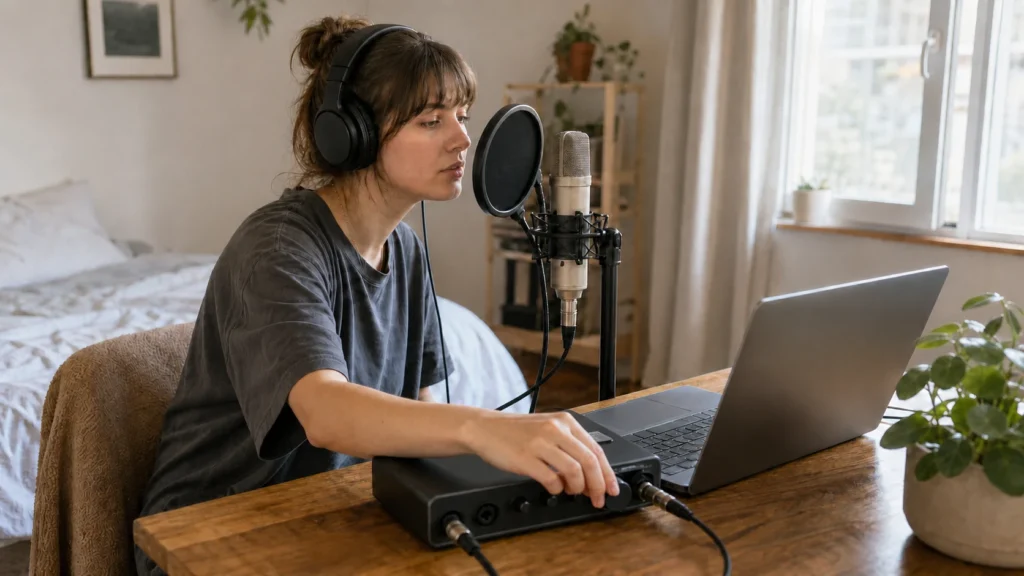
Answer first: Set headphone volume only loud enough to hear timing and pitch. Then record a short quiet phrase and listen for click, guide vocal or backing track leaking into the microphone. Louder is not automatically better for a vocal take.
MusicalCritic may earn a commission from qualifying links. This page uses source-bounded editorial guidance and does not track real-time offers, availability or seller review scores.
This is beginner workflow guidance, not medical hearing advice or device-specific calibration.
Start Lower Than You Think
Many beginners raise the cue because the vocal feels strange in headphones. That can create two problems at once: the microphone may catch the cue, and the singer may push pitch or timing because the balance feels unnatural.
A Simple Setup Order
- Put both ear cups on normally.
- Set the backing track or click lower than a comfortable listening level.
- Bring the vocal monitoring up until pitch is clear.
- Record one quiet phrase with the mic open.
- Listen to the raw take for cue spill during pauses.
- Raise only the part of the cue that is actually hard to hear.
What If You Cannot Hear Yourself?
If the vocal feels delayed or doubled, the issue may be monitoring path rather than volume. Check whether direct monitoring and DAW monitoring are both active. If the cue is clean but too quiet, adjust the vocal monitoring path before pushing the backing track louder.
Common Mistakes
- Turning the click louder than needed.
- Taking one ear off and then raising the cue even more.
- Using open-back headphones while tracking near the mic.
- Judging the cue before recording a short bleed check.
- Trying to fix room echo with headphone volume.
Read Next
- How to Use Direct Monitoring When Recording Vocals
- How to Stop Headphone Bleed in Vocal Recordings
- Closed-Back Headphones vs Earbuds for Recording Vocals
- Home Vocal Recording for Beginners
FAQ
Should vocals be louder than the backing track in headphones?
The vocal should be clear enough for pitch and timing, but not so loud that the singer performs unnaturally or the cue becomes distracting.
Should I record with one ear uncovered?
Not as a default beginner move. It can make pitch and cue balance less consistent and may lead to higher headphone level.
Can headphone volume cause bleed?
Yes. Even closed-back headphones can leak cue sound if the level is too high or the fit is poor.
How We Test
Beginner workflow guidance. MusicalCritic does not provide medical hearing advice or device calibration.
Review Basis
MusicalCritic beginner headphone cue workflow checked 2026-07-21.