
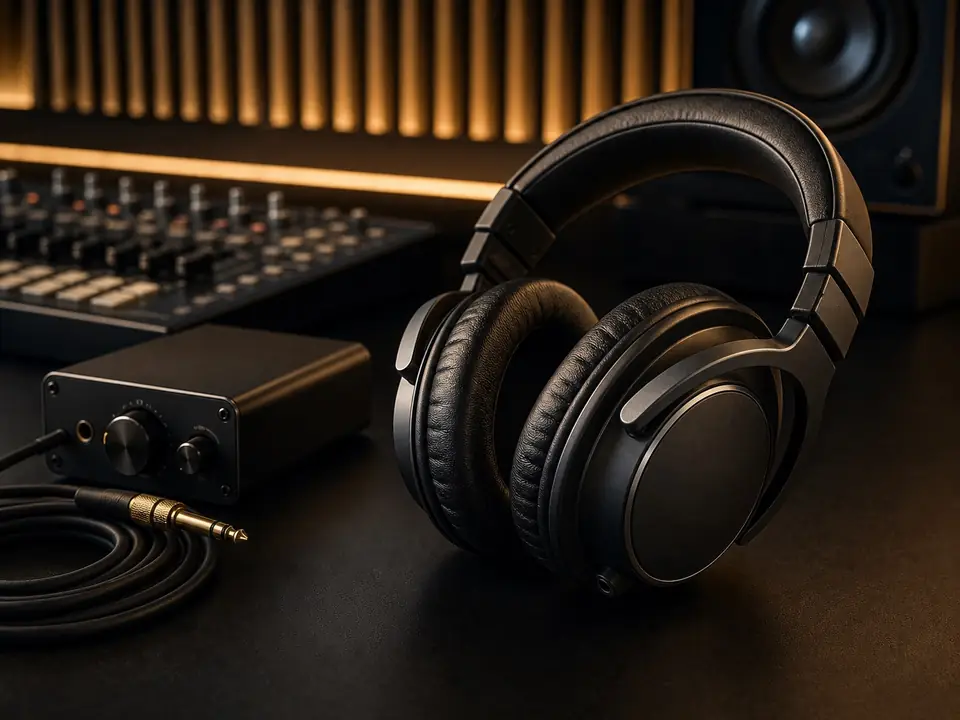
Headphone bleed happens when the backing track or click leaks from headphones into the vocal microphone. For beginner home vocal recording, the fix is usually a mix of lower headphone volume, better headphone isolation, closer mic placement, and smarter monitoring.
Quick Fix
Turn the headphone level down first, use closed-back headphones, keep the singer close to the microphone, and avoid pointing loud headphone drivers directly toward the mic. If the bleed is still obvious, simplify the cue mix before buying more gear.
Fast Troubleshooting Table
| Problem you hear | First fix | Gear fix only if needed |
|---|---|---|
| Click track is audible between phrases | Lower click volume and use a softer click sound | Closed-back headphones with better isolation |
| Instrumental leaks into the vocal take | Lower cue mix and move one ear cup fully over the ear | Better-sealing closed-back headphones |
| Singer cannot hear pitch when volume is lower | Turn down busy instruments and leave vocal guide/piano clearer | Interface with direct monitoring or better headphone output |
| Bleed gets worse when the singer steps back | Move closer to the mic and use a pop filter | Dynamic mic or tighter pickup pattern if the room is noisy |
Step 1: Lower the Headphone Mix Before Buying Anything
Many beginners try to fix bleed by buying gear first. Start with the monitoring mix. A vocal take does not need a loud full-band mix in the headphones. Keep the pitch reference, rhythm, and vocal guide clear, then reduce anything that is not needed for the singer to stay in time.
Step 2: Use Closed-Back Headphones for Tracking
Open-back headphones can be useful for listening, but they are the wrong first choice for vocal tracking because they leak more sound. Closed-back headphones are usually the safer first option when the microphone is close to the singer.
Step 3: Check Headphone Fit
- Make sure both ear cups seal around the ears.
- Avoid leaving one ear cup hanging open unless the track is very quiet.
- Keep hair, glasses, and hat edges from breaking the seal if possible.
- Replace worn pads if the headphones no longer sit firmly.
Step 4: Move the Singer Closer to the Microphone
When the singer is too far from the microphone, you often raise mic gain, which makes bleed and room sound more obvious. A closer position with a pop filter can improve the vocal-to-bleed balance without changing equipment.
Step 5: Use Direction and Distance
Keep the headphone drivers from facing the front of the microphone. Small changes in head angle and mic position can reduce what the mic hears. This matters most with condenser microphones in untreated bedrooms.
When You Should Upgrade Gear
- Upgrade headphones when the current pair is open-back, poorly sealed, or too quiet at safe levels.
- Consider an interface with direct monitoring if delay forces the singer to turn the headphone mix too loud.
- Consider a dynamic microphone if room noise and bleed remain difficult in a small untreated room.
What Not to Do
- Do not turn the headphones louder to cover latency or pitch uncertainty.
- Do not assume expensive headphones automatically stop bleed.
- Do not record vocals with speakers playing in the room unless the goal is a rough demo.
- Do not remove all backing track elements if the singer needs pitch or timing support.
Next Step
If you are choosing monitoring gear, read closed-back headphones vs earbuds for recording vocals. For a broader background on the same problem, read how to avoid headphone bleed when recording. If you are still building the full setup, start with the home vocal recording hub.
FAQ
Can headphone bleed ruin a vocal take?
It can if the bleed is loud, rhythmic, or exposed in quiet sections. Small bleed may be acceptable in demos, but it becomes harder to hide in sparse arrangements.
Are earbuds better than headphones for stopping bleed?
Not automatically. Some earbuds leak less, but many are uncomfortable for longer vocal sessions and can make monitoring balance harder. Closed-back headphones are usually the better first tracking choice.
Should I buy noise-cancelling headphones for recording vocals?
Usually no as a first fix. Noise cancellation is designed for listening comfort, not always for clean recording monitoring. Fit, isolation, cue volume, and mic placement matter more.
Review basis: This guide is based on editorial research, common home-recording setup patterns, visible product category behavior, and MusicalCritic editorial judgment. It does not claim hands-on testing, real-time pricing, stock status, ratings, or fixed rankings.