
Short Answer
Most beginners recording vocals at home should buy the right microphone path, closed-back headphones, and an audio interface before buying studio monitors. Studio monitors are useful later, but they should not be playing while you record vocals in the same room because the playback can leak into the microphone.
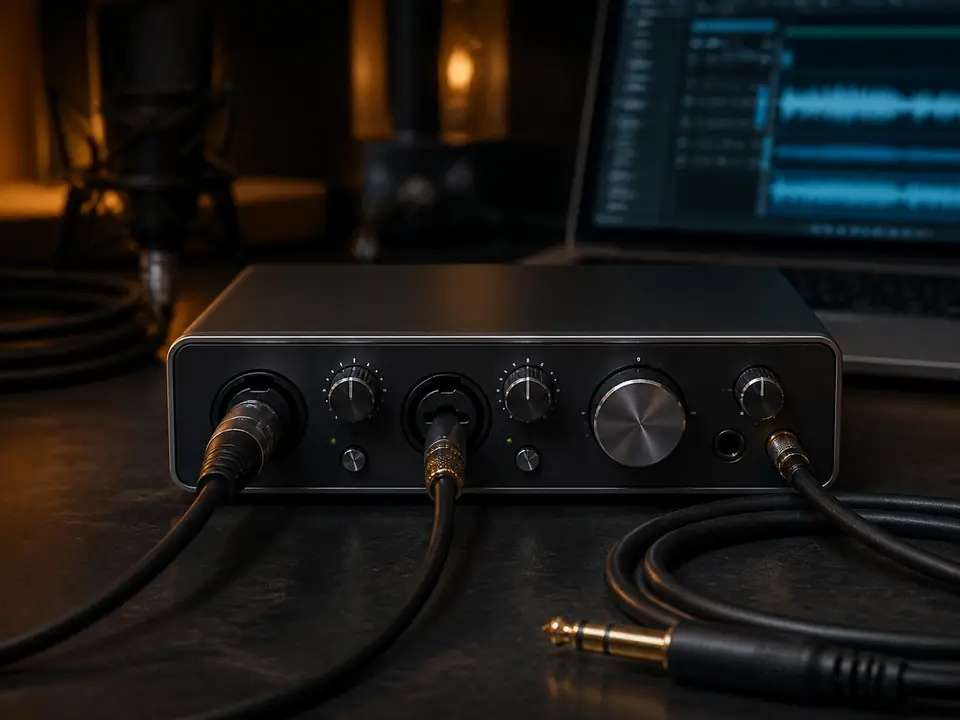
If you use a USB microphone, you may not need an interface immediately. If you use a normal XLR microphone, the audio interface comes before studio monitors because it is what lets the mic connect to the computer, set gain, and feed headphones.
Evidence boundary: this is an editorial purchase-order FAQ for beginner home vocal recording. It does not claim current prices, product rankings, acoustic measurements, hands-on monitor testing, or stock availability.
Why monitors usually come later for vocals
Studio monitors are speakers. Speakers are useful for listening, editing, and eventually checking mixes in a room, but they are usually not the first purchase for recording vocals. During a vocal take, the singer normally listens on closed-back headphones so the backing track or click does not spill into the microphone.
If a beginner spends the first budget on monitors but still lacks a workable mic path, headphones, stand, pop control, cable, or interface, the recording setup is still incomplete.
What to buy before monitors
| Need | Why it comes first | Next step |
|---|---|---|
| Microphone path | You need a way to capture the vocal before speakers matter | Choose USB simplicity or XLR upgrade path |
| Closed-back headphones | You need to hear the track while reducing playback bleed | Use a tracking-focused headphone before open speakers |
| Audio interface | Needed for normal XLR mics, gain control, headphone output and monitoring path | Buy only as much input count as your real sessions need |
| Stand and pop control | Bad mic position can ruin beginner vocals before monitors help | Stabilize the mic and control plosives first |
When a beginner should buy an interface first
Buy an interface before monitors if you plan to use an XLR microphone, want a clearer headphone monitoring path, need an instrument input, or want a setup you can upgrade one piece at a time. For one-person vocals, start with Best Audio Interfaces for One-Person Vocal Recording.
If you want to avoid missing accessories, use Best Audio Interface Bundles for Home Vocal Recording as a completeness checklist before buying.
When a beginner can delay the interface
You can delay the interface if you choose a USB microphone and your goal is simple solo demos, lessons, or rough songwriting vocals. In that case, your first upgrade after the mic is often closed-back headphones, a better stand, pop control, or room setup instead of studio monitors.
If headphone delay is the problem, read How to Record Vocals Without Hearing Delay. If input level is the problem, read How to Set Input Gain for Home Vocal Recording.
When monitors start to make sense
Studio monitors become more useful after the beginner can already record a clean vocal take through headphones. They help with editing, balance checks, arrangement decisions, and hearing how the vocal sits in the room. But in a bedroom or apartment, monitors also depend on placement, room reflections, desk position, neighbor volume limits, and listening habits.
That is why monitors are normally a later purchase for beginner vocal tracking, not the first thing to buy before the recording chain works.
Simple decision rule
- XLR mic path: buy the audio interface before studio monitors.
- USB mic path: you can delay the interface and prioritize closed-back headphones.
- Recording vocals in the same room: do not use monitors while tracking; use headphones.
- Already recording clean takes: then consider monitors as a listening and editing upgrade.
FAQ
Do studio monitors help you record better vocals?
Not during the actual vocal take. They can help you listen later, but while recording vocals in the same room, closed-back headphones are usually safer because monitors can leak into the mic.
Do I need an audio interface before headphones?
It depends on the mic path. XLR microphones need an interface or another XLR preamp path. USB microphones can work without an interface, but you still need a practical headphone monitoring setup.
Should beginners buy studio monitors for mixing?
Eventually they can be useful, but a beginner should first make sure the vocal recording chain works. In a small untreated room, monitors are a later upgrade, not a substitute for headphones and good mic setup.
What should I buy first for home vocals?
Start with one suitable microphone path, closed-back headphones, a stable stand, pop control, and an interface if your mic is XLR. Use the Home Vocal Recording hub to follow the full path.
Next steps
If headphones are the missing piece, read Best Closed-Back Headphones for Beginner Vocal Recording. If you want a simple first setup map, read Home Vocal Recording Setup Under $200. If you are checking a starter headphone, see Audio-Technica ATH-M20x Review for Recording Vocals at Home.
How We Test
Editorial purchase-order FAQ for beginner home vocal recording. This page does not claim hands-on monitor testing, acoustic measurement, current pricing, stock status, product ranking or brand authorization.
Review Basis
MusicalCritic beginner home-vocal setup analysis checked 2026-07-18. No model-specific manufacturer claims are used.