
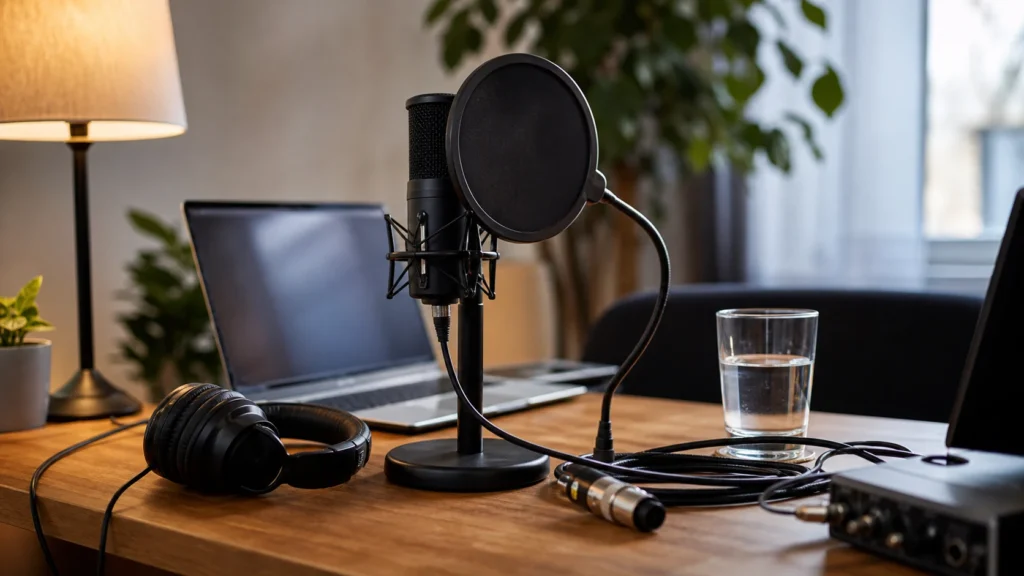
Before re-recording vocals, check whether the problem is the performance, the setup, or the room. Beginners often record ten more takes when one quick fix to mic distance, gain, headphone volume, or room noise would make the next take more useful.
MusicalCritic may earn a commission from qualifying links. Illustrative home recording setup; no exact product model or hands-on test is pictured.
Quick Answer
Before re-recording vocals at home, check the loudest phrase for clipping, listen for room noise, confirm mic distance and pop control, lower headphone bleed, check cable and chair noise, then decide which exact line or section needs another take.
Check The Problem Type
| Problem you hear | Likely cause | First fix |
|---|---|---|
| Harsh pops on P and B sounds | Plosives or too-close position | Use pop filter, angle slightly, add distance. |
| Crunchy loud peaks | Input clipping | Lower gain and repeat the loud line. |
| Track leaking into vocal | Headphone bleed | Lower headphone volume or improve fit. |
| Roomy or boxy tone | Room reflections or position | Move away from bare walls and test again. |
| Random taps or bumps | Desk, cable, chair or stand noise | Stabilize the setup before the retake. |
Do A Ten-Second Retake Test
Record one loud phrase and a few seconds of silence before doing another full pass. This catches clipping, fan noise, headphone bleed, and cable taps before you spend energy on a complete take. If the test fails, fix that issue first.
Check Mic Distance And Angle
If the vocal is boomy, explosive, or inconsistent, the mic may be too close or directly in the plosive path. If the vocal is thin and roomy, the mic may be too far away. Move in small steps and compare one short phrase rather than changing the entire setup.
Check Headphone Level
Headphone volume affects both bleed and performance. If the backing track leaks into the mic, lower the headphone level first. If you cannot hear pitch or timing, improve the monitor mix instead of singing louder only to compensate.
Decide Whether You Need A Full Retake
Not every mistake needs a new full take. Sometimes you only need one line, one word, or one chorus. If the emotional delivery is strong, consider keeping most of the take and re-recording only the technical problem area.
Common Mistakes
Do not re-record immediately after hearing one flaw without identifying the cause. Do not fix clipping with a plugin and pretend the take is clean. Do not move the mic without writing it down. Do not judge the take only from the loudest section. Do not keep recording when the room noise is obviously worse than the previous take.
What To Read Next
For basic level setup, read how to set input gain for home vocal recording. For room issues, read quiet microphone setup ideas for apartment vocals. For headphone choices, read how to choose headphones for recording vocals at home.
FAQ
Should I re-record if the vocal clipped once?
Usually yes for that line or section. Clipping is easier to prevent than to repair cleanly.
Should I re-record because the waveform looks small?
Not by itself. Listen first. A smaller clean take can be better than a loud clipped take.
How many retakes should beginners record?
Record enough to compare performance, but stop before fatigue makes every take worse. Three focused takes plus targeted fixes often works better than endless full passes.