
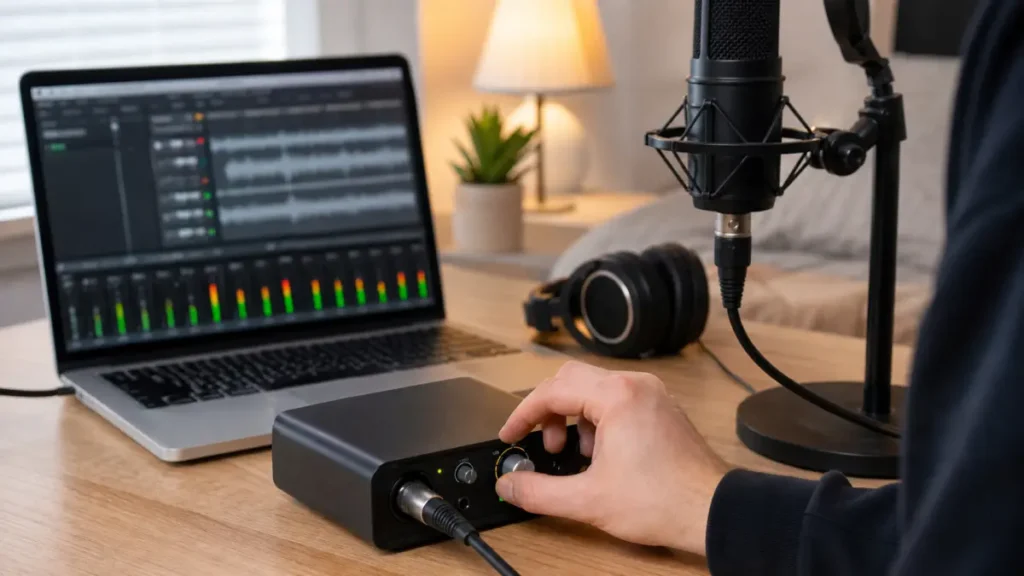
Set mic gain by singing the loudest part of the song and leaving headroom. A practical beginner target is to keep vocal peaks roughly around -12 to -6 dBFS in your DAW, with no red clipping lights on the interface, mic or recording software.
MusicalCritic may earn a commission from qualifying links. This page uses official source boundaries and editorial workflow guidance; it does not track live offers, availability or retailer ratings.
Quick Steps
- Put the mic where you will actually sing, not where it looks best on camera.
- Turn off loud fans and move away from walls if possible.
- Set your DAW track to record-enable and watch the input meter.
- Sing the loudest chorus line at real performance volume.
- Raise gain until the signal is healthy, then back off if peaks get close to clipping.
- Record 20 seconds and listen for clipping, hiss, plosives and room noise.
What Gain Does
Gain controls how much the mic signal is amplified before recording. Too little gain can make the vocal quiet and noisy when you turn it up later. Too much gain can clip the input and create harsh distortion that is difficult to repair.
A Safe Beginner Level
For home vocals, do not aim for the loudest possible waveform. Aim for a clear signal with headroom. Many beginner sessions work well when the loudest vocal peaks sit roughly between -12 and -6 dBFS. This is a practical starting range, not a rule for every singer, microphone or DAW.
Set Gain With The Loudest Line
Do not set gain while speaking softly and then record a loud chorus. Sing the loudest phrase you expect in the real take. If the interface, USB mic or DAW meter flashes red, reduce gain and test again.
Fix Distance Before Chasing Gain
If the recording is boomy, harsh or full of plosives, the gain knob may not be the main problem. Try moving a little farther from the mic, angling the mic slightly off-axis and using a pop filter. If the recording is thin or noisy, move closer before adding a lot of gain.
Common Mistakes
- Recording too hot: big waveforms look satisfying but can clip unexpectedly.
- Recording too quiet: the vocal may need heavy boosting later, raising noise.
- Ignoring monitoring: latency or low headphone volume can make singers perform inconsistently.
- Changing distance every take: inconsistent mic distance makes gain decisions unreliable.
USB Mic vs Interface Gain
Some USB mics have a physical gain knob, while others use software controls. Interfaces usually have a gain knob for each input. The principle is the same: test the loudest singing level, leave headroom and avoid clipping at every stage.
Read Next
- Home Vocal Recording for Beginners
- What Level Should Vocals Peak At When Recording?
- Clip-On Pop Filter vs Metal Pop Filter for Vocals
FAQ
Should vocals peak at 0 dB?
No. Digital 0 dBFS is the clipping ceiling, not a target. Leave headroom.
Why is my vocal noisy when the gain is high?
The mic may be too far away, the room may be noisy, or the interface may be amplifying a weak signal heavily. Move closer and reduce room noise before blaming the gear.
Should I normalize vocals after recording?
Normalization can change level after the fact, but it does not repair clipped input or poor mic placement. Set gain correctly before recording.