
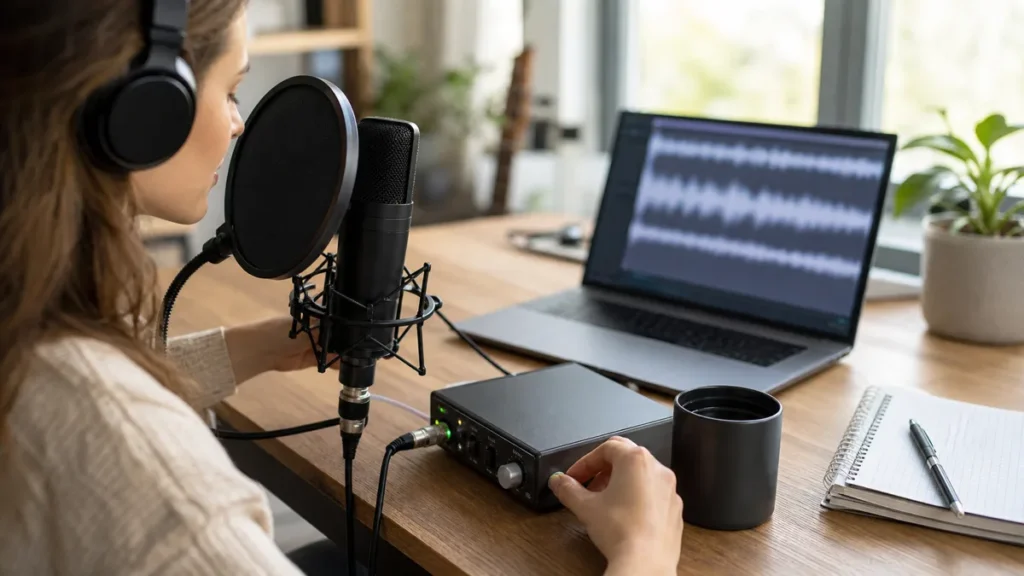
Short answer: Vocals can distort even when they do not sound loud in the room because the input, microphone distance, plosives, effects chain or monitoring path may be overloading. The singer’s perceived loudness is not the same as the level reaching the recording system.
MusicalCritic may earn a commission from qualifying links. Illustrative recording setup images do not show exact product testing unless a page explicitly says otherwise.
This is diagnostic workflow guidance for beginners. It does not guarantee a single cause, measured repair or product defect diagnosis.
Common Causes
| Cause | What to check | First action |
|---|---|---|
| Input gain too high | Harsh peaks on louder words | Lower gain and retake the loudest phrase. |
| Plosives | Thumps or blasts on P and B sounds | Use pop control, angle the mic and add distance. |
| Too close to the mic | Boomy or fuzzy close-up tone | Move back slightly and keep distance repeatable. |
| Effects overload | Clean raw take but distorted processed playback | Bypass plugins and check track/output levels. |
| Monitoring confusion | Headphone cue sounds strange but the file may be different | Record a short test and listen to the raw file. |
A Simple Troubleshooting Order
- Record a short phrase with effects bypassed.
- Sing the loudest part at real performance intensity.
- Lower input gain if the raw take distorts.
- Add or adjust pop control if plosives are the main issue.
- Check whether distortion appears only after plugins are added.
- Compare the raw file with what the singer hears in headphones.
When It Might Be Gear-Related
If the same cable, input or microphone behaves unpredictably after basic setup checks, then isolate each part of the chain and consult the manufacturer documentation or a qualified repair path. Do not assume the microphone is broken before checking gain, distance and processing.
Read Next
- How to Avoid Clipping When Recording Vocals at Home
- Closed-Back Headphones vs Earbuds for Recording Vocals
- Shure SM58 Review for Bedroom Vocal Recording
- Home Vocal Recording for Beginners
How We Test
Diagnostic workflow guidance. MusicalCritic does not guarantee a single cause or measured repair for every distorted vocal take.
Review Basis
MusicalCritic beginner vocal distortion troubleshooting workflow checked 2026-07-21.