
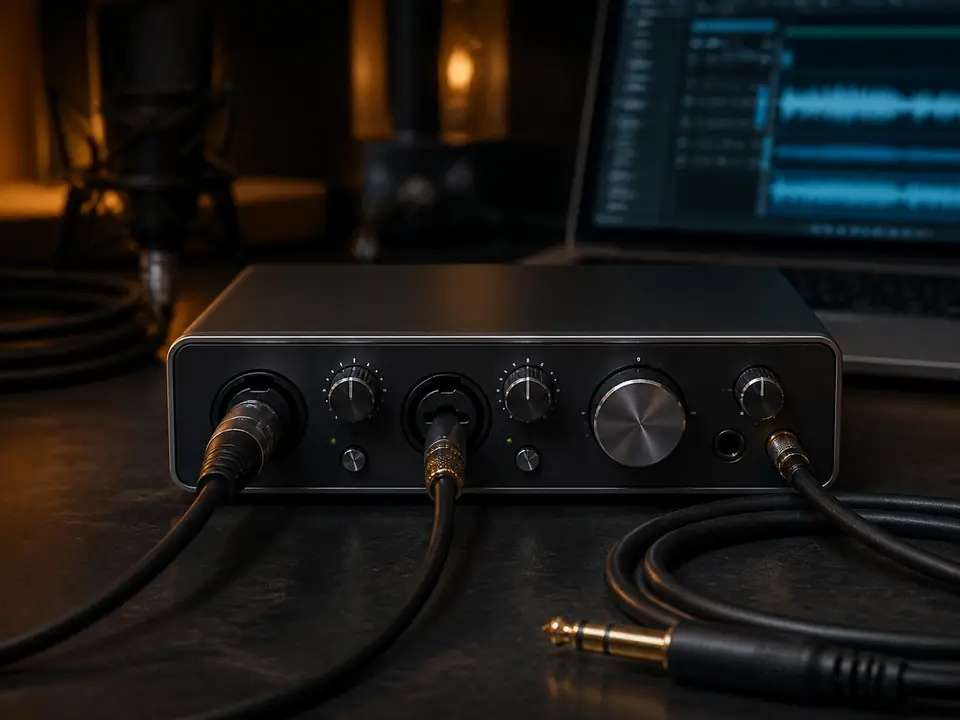
Quick Verdict
Choose the Focusrite Scarlett Solo if you want the safer first interface for beginner vocal recording. It gives a straightforward one-mic path with phantom power, Air mode, loopback, USB-C connectivity, one headphone output and a large beginner setup ecosystem.
Choose the Audient iD4 if you want a more premium one-person desktop interface path. Audient publishes a 58dB microphone gain range, 12dBu microphone maximum input level, 48V phantom power, strong line-output and headphone specifications, and USB-C power requirements that fit a more deliberate desk setup.
Review basis: official Focusrite and Audient specification pages checked 2026-07-18 plus MusicalCritic beginner workflow analysis. This page does not claim hands-on testing, current pricing, stock status, measured latency, measured noise performance or brand authorization.
Who this comparison is for
This comparison is for beginner singers, songwriters and home studio creators choosing a first serious audio interface for one-person vocal recording. It assumes one vocal microphone at a time, closed-back headphones, a laptop or desktop computer, and a bedroom or small-room recording space.
It is not a professional studio shootout. If you need two singers at once, stereo microphone recording, live drum inputs, hardware MIDI, or a full band setup, skip both and look at a larger interface.
Short answer
For most first-time vocal buyers, the Scarlett Solo is easier to recommend because the path is simpler and support material is everywhere. The Audient iD4 is the better fit when you already know you want a more serious desk interface for vocals, guitar and long-term one-person recording, and you are willing to read the setup details carefully.
Decision table
| Decision point | Focusrite Scarlett Solo | Audient iD4 |
|---|---|---|
| Best beginner fit | Easiest first interface path for one vocal mic | More premium one-person desktop path |
| Mic gain range | 57dB published by Focusrite | 58dB published by Audient |
| Mic maximum input | 9.5dBu published by Focusrite | 12dBu published by Audient |
| Phantom power | Yes | 48V phantom power listed |
| Loopback | Listed by Focusrite | Not used as a claim on this page without separate official verification |
| Headphone path | One headphone output; simple beginner monitoring | More detailed published headphone output specifications |
| Best reason to buy | Setup confidence and beginner support | Premium desk feel and long-term one-person workflow |
Choose Scarlett Solo if you want the lowest-friction first interface
The Scarlett Solo is the safer first pick when your biggest risk is setup confusion. The official feature set covers the basic beginner vocal chain: one microphone preamp, phantom power for condenser mics, an instrument input, line outputs, one headphone output, USB-C connectivity and loopback.
That combination matters because a beginner does not only need an interface that can sound good. A beginner needs a chain that is easy to explain: plug in the microphone, turn on phantom power only when needed, set gain, monitor through headphones, select the interface in the recording software and record a take.
Choose Scarlett Solo if:
- this is your first audio interface
- you are recording one vocal mic at a time
- you want the most common beginner path
- you value setup tutorials and troubleshooting coverage
- you also need a simple guitar or instrument input for demos
Choose Audient iD4 if you want a more serious one-person desk setup
The Audient iD4 makes more sense when you are less worried about the first hour and more focused on a desk setup you can keep using. Audient publishes a 58dB mic preamp gain range, 12dBu mic maximum input, 48V phantom power, 120dB A/D dynamic range and detailed output and headphone specifications.
For a singer-songwriter, that can make the iD4 feel like a better long-term desktop tool. It is still a compact one-person interface path, but the appeal is the more deliberate interface experience, not a magic shortcut around room sound, mic technique or headphone monitoring.
Choose Audient iD4 if:
- you are comfortable reading setup and power notes
- you want a more premium desk interface feel
- you record vocals and one instrument source in a simple creator workflow
- you care about a stronger published output and headphone spec story
- you do not need two microphone inputs at the same time
Who should skip both
Skip both interfaces if you will record two microphones at once. A singer plus acoustic guitar, two podcast hosts, stereo room mics or live rehearsal capture all need a different input plan. In that case, start with the one-person audio interface guide only if your workflow is truly one source at a time; otherwise move to a two-input or larger interface comparison.
Also skip both if you want an all-in-one USB microphone with no interface, if your computer cannot reliably power USB-C bus-powered devices without the right cable or hub, or if you need bundled headphones, microphone and cable in one purchase. An interface is only one part of the vocal chain.
Beginner buying checks before choosing
- Will you record only one vocal microphone at a time?
- Does your microphone need phantom power?
- Do you already own closed-back headphones for tracking?
- Does your computer have the right USB port, cable or adapter?
- Do you need loopback for streaming, lessons or content capture?
- Will you add guitar or bass demos to the same interface?
- Have you budgeted for an XLR cable, stand, pop filter and basic room control?
Best next step
If you want the simplest first interface decision, read the Scarlett Solo vocal recording review and the Scarlett Solo vs Vocaster One comparison. If you are comparing Audient against a different premium compact interface, use the MOTU M2 vs Audient iD4 comparison.
For the broader setup path, start from the home vocal recording hub and the audio interfaces hub. The right interface is the one that fits your first complete chain, not the one with the most impressive isolated spec.
FAQ
Is the Scarlett Solo better than the Audient iD4 for beginners?
For many beginners, yes, because the Scarlett Solo path is easier to set up, easier to find tutorials for and easier to troubleshoot. That does not mean it is technically better for every singer or desk setup.
Is the Audient iD4 too advanced for a first interface?
No. A careful beginner can start with it. The iD4 is simply a better fit for someone who is willing to learn the setup details and wants a more premium one-person interface path from the beginning.
Can either interface power a condenser microphone?
Yes. Focusrite lists phantom power for the Scarlett Solo, and Audient lists 48V phantom power for the iD4. Always turn phantom power on only when your microphone requires it.
Which one is better for guitar and vocals?
Both can fit a one-person vocal and instrument workflow, but not as two simultaneous mic setups. If you record one source at a time, either can work; if you need more simultaneous inputs, choose a larger interface.
Should I choose by price only?
No. Check current prices before buying, but also check your full chain: microphone, XLR cable, headphones, stand, pop control, room noise and computer connection. A cheap interface is not a bargain if it leaves the rest of the setup incomplete.