
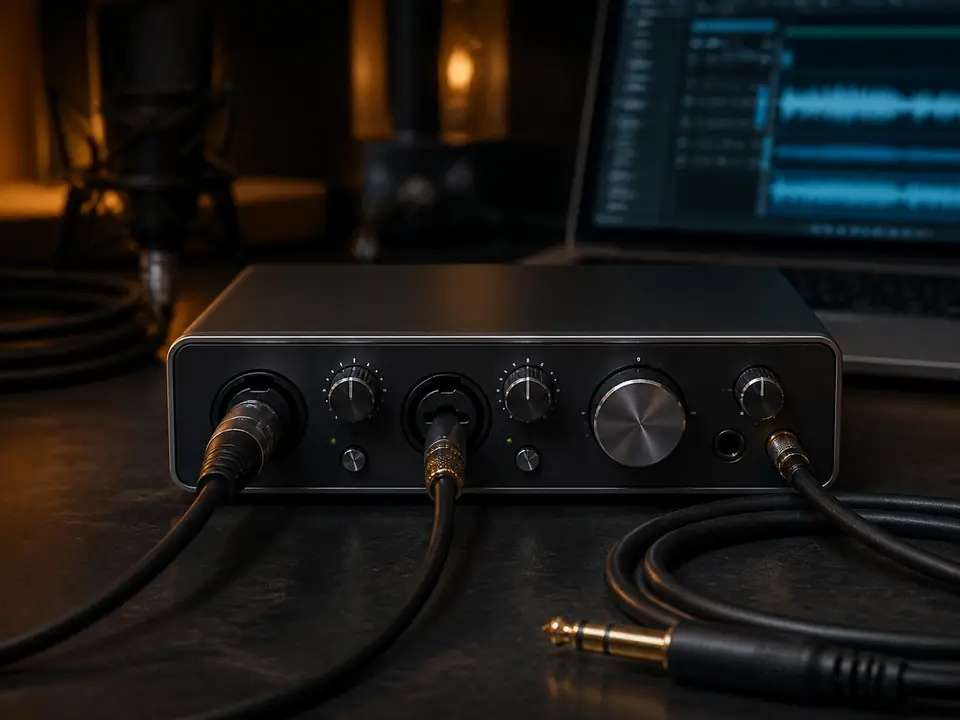
A beginner-friendly explanation of recording latency, why it happens, and what to check before blaming your microphone or interface.
Short Answer
Latency is the delay between performing and hearing the monitored result. It can come from buffer settings, software monitoring, drivers, effects, or hardware limits.
Who This Helps
Guitarists, vocalists, and home studio users who feel delay while recording.
Common Misunderstanding
Readers expecting one gear purchase to fix every monitoring problem.
Practical Checks
- Check buffer size and driver mode.
- Try direct monitoring if your interface supports it.
- Bypass heavy software effects while tracking if delay is distracting.
What to Read Next
- Use direct monitoring for dry tracking.
- Adjust buffer settings before buying new hardware.
- Consider an interface upgrade only after setup causes are checked.
FAQ
Is latency caused by the microphone?
Usually no. It is more often related to conversion, driver, buffer, monitoring, and software processing.
Can direct monitoring remove latency?
It can reduce the monitored delay by routing input directly, but it may not include software effects.
Review basis: This page is based on editorial research, manufacturer-visible product positioning, common setup needs, and MusicalCritic editorial judgment. It does not claim hands-on testing, real-time pricing, stock status, ratings, or fixed rankings.