
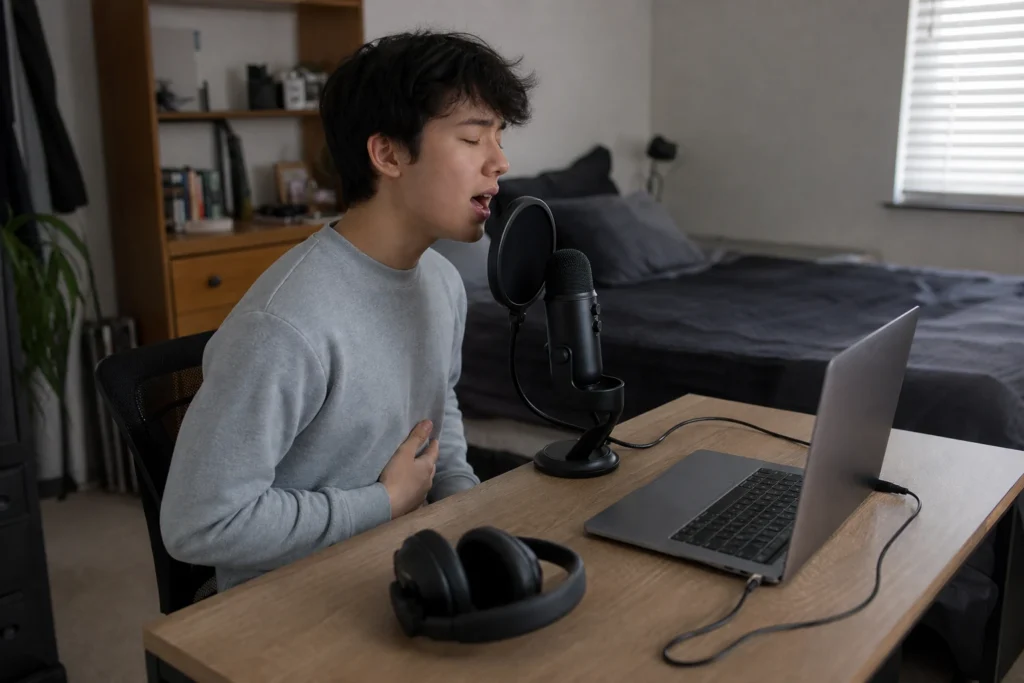
Beginner USB Vocal Workflow
Answer first: To record vocals with a USB microphone at home, start by making the room quieter, place the mic at a consistent mouth distance, use headphones, set gain from a short loud test, and record one clean dry take before adding effects.
This is beginner workflow guidance, not a promise that any USB microphone will sound professional in every room.
Affiliate note: MusicalCritic may earn a commission from qualifying links. Editorial guidance is based on fit, setup needs, and source-backed research, not real-time price tracking or guaranteed outcomes.
Step 1: Make the Room Less Loud
Turn off fans, move away from windows, avoid bare corners and record at the quietest practical time. If the room is reflective, try soft furnishings or a blanket near the singer before buying more gear.
Step 2: Place the Microphone Before Opening the Software
Put the microphone where your mouth can stay at a repeatable distance. If the mic has a desk stand, avoid typing or bumping the desk during the take. If it uses a boom arm, make sure it does not drift during the performance.
Step 3: Use Headphones
Closed-back headphones help you hear the track without playback leaking into the vocal recording. If the USB microphone has a direct headphone output, test it before recording a full song.
Step 4: Set Gain With the Loudest Line
Sing the loudest phrase you expect to record and lower the input if it clips. Do not set gain from quiet talking and then judge the microphone after the chorus distorts.
Step 5: Record Dry First
Record a clean dry take before adding reverb, compression or noise reduction. Effects can help polish a vocal, but they should not hide a bad room position, clipping or headphone bleed.
When to Upgrade
- Upgrade to an audio interface when you want XLR microphones or multiple sources.
- Try a dynamic microphone path if the room is too noisy for a condenser-style USB mic.
- Improve the stand, pop control and headphones before assuming the microphone is the only problem.
Read Next
- Home Vocal Recording for Beginners
- Audio Interface vs USB Microphone for Beginner Vocals
- Best USB Microphones for Beginner Home Vocals
FAQ
Can you record good vocals with a USB microphone?
Yes, for beginner demos and simple home recordings when the room, distance, gain and monitoring are handled carefully.
Should vocals be recorded dry?
Beginners should usually record a clean dry take first, then add effects later so mistakes are easier to identify and fix.
Do USB microphones need special software?
Many USB microphones can work with common recording apps, but features and compatibility depend on the specific microphone and device.