
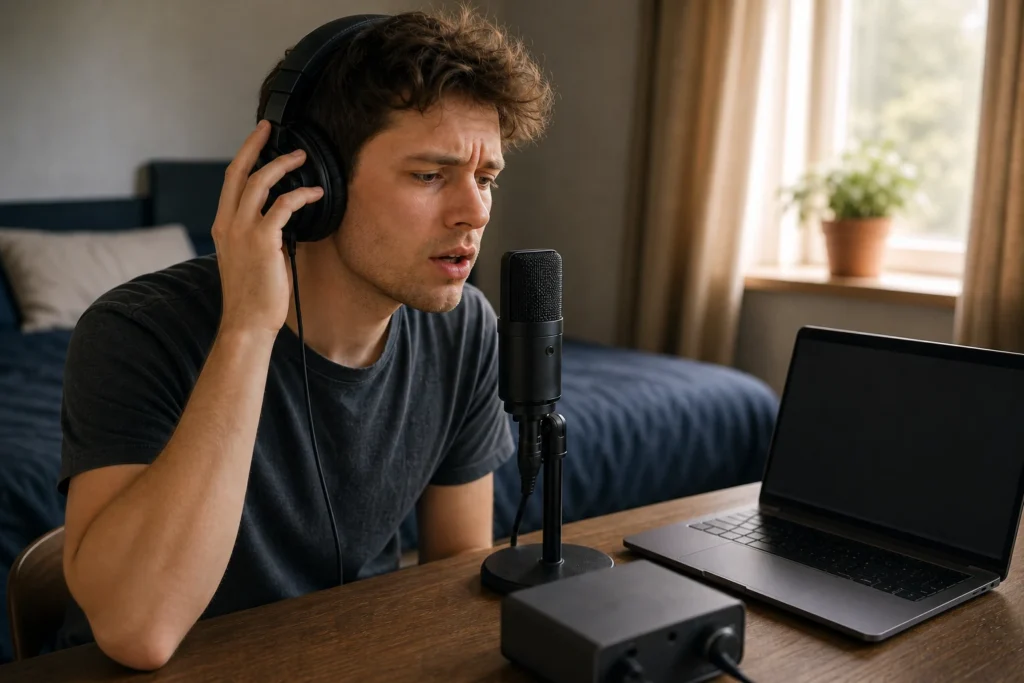
Short answer: Delay while recording vocals at home usually comes from the monitoring route, DAW buffer, plugins, or hearing both direct and software monitoring at the same time. Before buying new gear, isolate the monitoring path and record a short clean test.
This FAQ is troubleshooting guidance for beginner home recording. It does not diagnose a specific product defect or promise a universal latency setting.
Affiliate note: MusicalCritic may earn a commission from qualifying links. Editorial guidance is based on fit, setup needs, and source-backed research, not real-time price tracking or guaranteed outcomes.
First Check: What Are You Hearing?
Ask whether the singer is hearing the microphone directly from the interface, through the DAW, or through both paths. A doubled path can feel like an echo even if the recorded file is fine.
Common Causes
| Symptom | Likely cause | First check |
|---|---|---|
| Vocal feels late in headphones | Software monitoring or high buffer | Try direct monitoring if available |
| Vocal sounds doubled | Direct and DAW monitoring both active | Turn off one monitoring path |
| Delay appears only with effects | Plugin processing delay | Bypass heavy plugins while tracking |
| Backing track is fine but vocal cue is strange | Input monitoring route | Check DAW input monitor button and interface mix control |
Troubleshooting Order
- Turn off heavy vocal effects while recording a test take.
- Use the interface headphone output or the approved monitoring output for your setup.
- If the interface has direct monitoring, test that path with DAW input monitoring off.
- If you need software monitoring, lower the buffer only after you understand the route.
- Record a short phrase and compare what the singer heard with what was actually recorded.
- If the delay remains confusing, simplify the session before adding plugins back.
When New Gear Helps
A new interface can help when your current setup has no practical direct-monitoring route, poor headphone control, or unreliable computer support. It is less likely to help if the real problem is double monitoring, heavy plugins or an unclear DAW setup.
When New Gear Is Not the First Fix
- You are monitoring through reverb, pitch correction or other heavy effects.
- The DAW input monitor is active while direct monitoring is also on.
- The singer’s headphone balance is forcing them to sing too hard or too late.
- The problem disappears when the session is simplified.
Read Next
- How to Use Direct Monitoring When Recording Vocals
- Direct Monitoring vs DAW Monitoring for Recording Vocals
- Best Low-Latency Audio Interfaces for Bedroom Vocals
- Home Vocal Recording for Beginners
FAQ
Why does my voice sound like an echo while recording?
You may be hearing two monitoring paths at once. Turn off either direct monitoring or DAW input monitoring during a short test.
Should I lower the buffer size?
Only after checking the route. Lowering buffer size can help software monitoring, but it does not fix double monitoring or plugin delay.
Can I record with effects and no delay?
Sometimes, but it depends on the interface, computer, DAW and plugins. Beginners should first record a clean, comfortable cue, then add effects carefully.
How We Test
Diagnostic workflow guidance. MusicalCritic does not diagnose a specific product defect or promise a universal latency setting.
Review Basis
MusicalCritic monitoring-route troubleshooting guidance checked 2026-07-21 against source boundaries.