
Quick Answer
Direct monitoring is usually the safer first monitoring path for beginner vocal recording because it avoids distracting delay in the headphones. DAW monitoring makes sense when the singer needs software effects, cue mixes or plugin processing, but the buffer, interface and computer must be configured carefully.
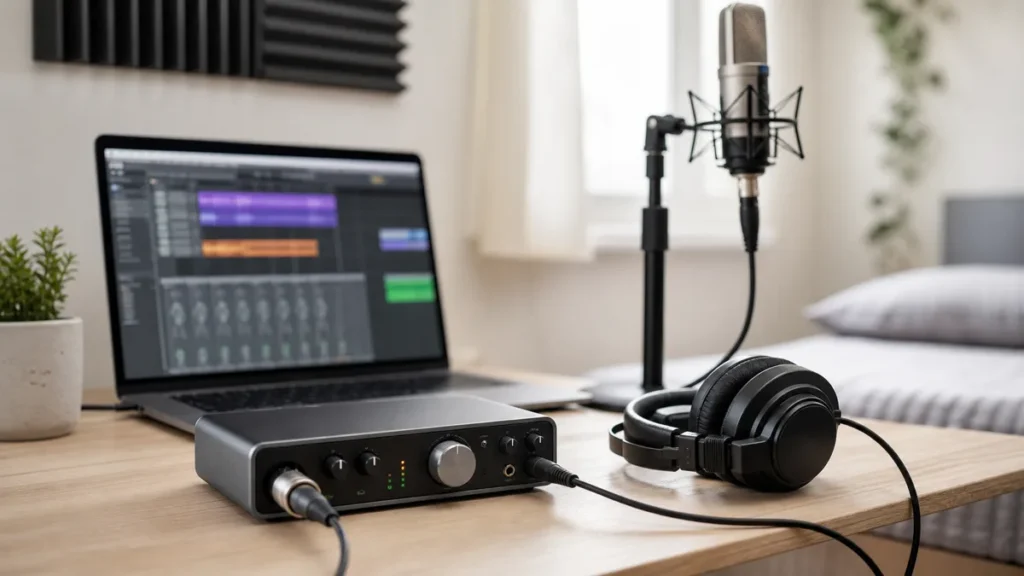
MusicalCritic may earn a commission from qualifying links. Illustrative recording setup images do not show exact product testing unless a page explicitly says otherwise.
Evidence boundary: this is a workflow guide, not a measured latency test. It does not claim MusicalCritic measured interface latency, benchmarked drivers, tested plugins, checked live stock or ranked retailers.
Decision Table
| Monitoring path | Best for | Main risk | Beginner check |
|---|---|---|---|
| Direct monitoring | Singers who need a delay-free headphone cue | May not include DAW effects in the headphone sound | Find the interface monitor knob, switch or app setting |
| DAW monitoring | Singers who need reverb, compression or software cue routing | Latency can distract the performance | Lower the buffer and bypass heavy plugins while tracking |
| Hybrid setup | Users balancing clean vocal cue and software playback | Double monitoring can sound phasey or echoed | Turn off one duplicate monitoring path |
Choose Direct Monitoring If
Choose direct monitoring first if the singer hears a slapback or delay while recording. The interface sends the live microphone signal to headphones before it completes the round trip through the DAW, so the performance usually feels more natural.
The tradeoff is that the singer may not hear the same plugin chain that appears in the DAW. For most beginner vocal takes, hearing a clean voice clearly is more important than tracking through a complicated effects chain.
Choose DAW Monitoring If
Choose DAW monitoring when the singer needs software reverb, pitch reference routing or a cue mix that only exists inside the session. Keep the session light while recording: lower the buffer, bypass heavy plugins, and avoid mastering chains on the monitor path.
If the DAW sound feels late, return to direct monitoring and add comfort effects only if the interface mixer or DAW setup supports it cleanly.
Beginner Mistakes To Avoid
- Do not leave direct monitoring and DAW input monitoring on at the same time unless you know the routing.
- Do not judge a microphone while the singer is distracted by headphone delay.
- Do not buy a new interface before checking the monitor switch, buffer size and active plugins.
- Do not track vocals through a heavy mix session when a clean tracking template would be simpler.
FAQ
Is direct monitoring better for vocals?
It is often better for beginners because it reduces the chance of distracting headphone delay while singing.
Why does DAW monitoring sound delayed?
The live signal travels through the interface, computer, DAW and back to the headphones. Buffer size, drivers and plugins can make that trip feel late.
Can I hear reverb with direct monitoring?
Sometimes, but it depends on the interface mixer or software. If not, record clean and add reverb during playback or mixing.
How We Test
Editorial workflow comparison based on beginner home-recording setup analysis. MusicalCritic does not claim measured latency, driver benchmarks, plugin measurements, live stock, retailer ranking or brand authorization.
Review Basis
MusicalCritic beginner vocal-monitoring workflow analysis checked 2026-07-20.