
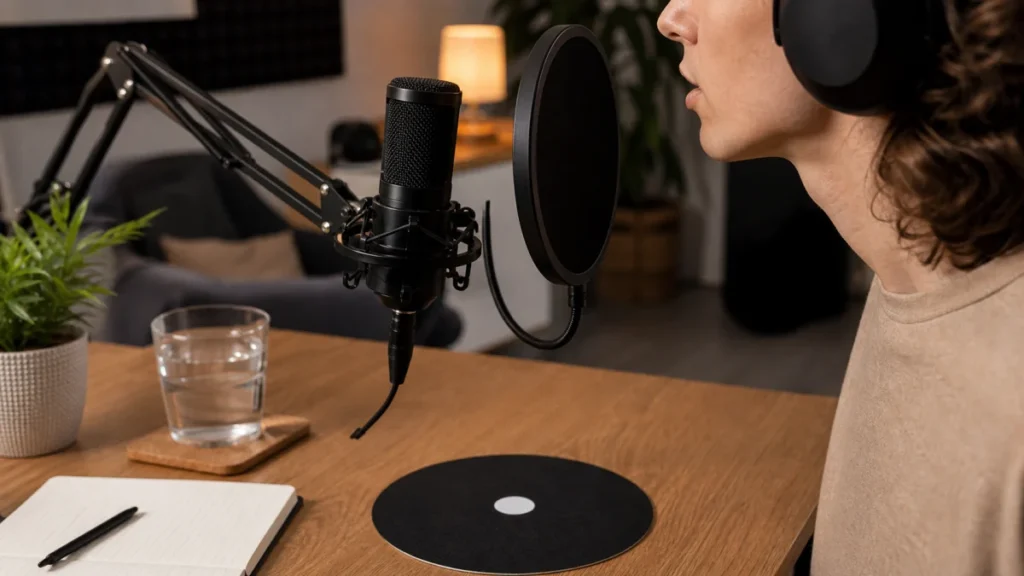
Vocal Cleanup at the Source
Answer first: Reduce mouth clicks by controlling the source before editing: take a short water break, avoid recording immediately after dry snacks or sticky drinks, adjust mouth-to-mic angle and record a cleaner take. Repair tools can help later, but they should not replace a cleaner performance capture.
MusicalCritic may earn a commission from qualifying links. This article is recording workflow guidance, not medical advice. If mouth noise is persistent or health-related, do not treat a recording article as a diagnosis.
Source-First Checklist
- Pause for water before the take.
- Record a short test phrase and listen in quiet gaps.
- Move the singer slightly off-axis if clicks are sharp and close.
- Keep the pop filter stable so distance does not change mid-take.
- Avoid over-compressing a noisy raw vocal while tracking.
- Retake obvious click-heavy lines before opening repair software.
Common Causes in Home Takes
- Dry mouth during repeated takes.
- Very close mic distance with bright articulation.
- Heavy compression or bright EQ making small noises more obvious.
- Quiet gaps where clicks stand out against the backing track.
When Editing Tools Help
Specialized repair tools, including mouth de-click processors, are designed to reduce mouth noises such as clicks and lip smacks. Use them carefully after the best take is captured, because aggressive processing can create artifacts or dull the vocal.
What Not to Do
- Do not overpromise that one plugin will save every take.
- Do not push the singer farther away until the vocal becomes thin and roomy.
- Do not confuse mouth clicks with clipping, cable noise or room reflections.
- Do not keep a take with obvious repeated clicks if a quick retake is possible.
Read Next
- Home Vocal Recording for Beginners
- What Level Should Vocals Peak At When Recording?
- How to Place a Pop Filter for Vocal Recording
- How to Record Vocals With Closed-Back Headphones
FAQ
Can a pop filter remove mouth clicks?
No. A pop filter helps with plosive air, but mouth clicks usually need source control, retakes or careful editing.
Should you remove every mouth sound?
No. Some natural vocal detail is normal. Focus on clicks that distract from the performance.
Can compression make clicks worse?
Yes. Compression can make quiet noises more noticeable, so clean the source before heavy processing.