
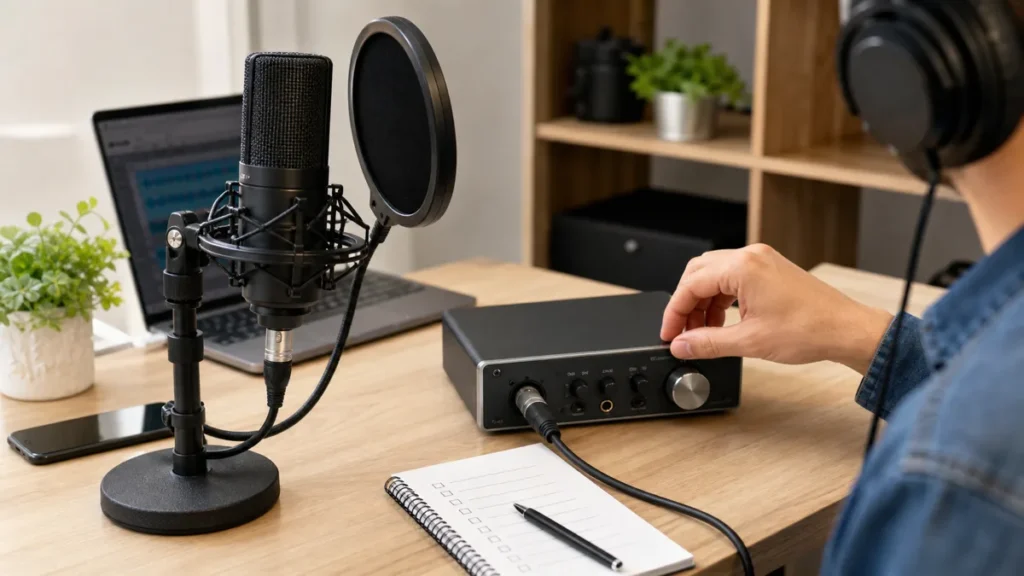
Short answer: Use phantom power only when your condenser microphone requires it and your interface or preamp manual supports that connection. Do not turn it on just because a vocal microphone uses XLR.
MusicalCritic may earn a commission from qualifying links. Illustrative recording setup images do not show exact product testing unless a page explicitly says otherwise.
This FAQ is safety-bound beginner setup guidance. It is not device-specific electrical advice, and it does not make universal safety claims for every dynamic, ribbon or vintage microphone.
What Phantom Power Does
Phantom power supplies voltage through a compatible balanced microphone connection so certain condenser microphones can operate. Many beginner interfaces label this control as phantom power or 48V. The label alone is not enough; the microphone and the interface both need to support the way you are connecting them.
Check These Before Switching It On
- Confirm the microphone type and model in the microphone manual.
- Confirm the interface or preamp manual supports phantom power for that input.
- Use the correct cable type specified for the microphone and interface.
- Turn monitoring volume down before changing power settings if your manual recommends that sequence.
- If anything crackles, behaves unpredictably or uses an unusual adapter chain, stop and check the manuals before continuing.
When You Probably Do Not Need It
You probably do not need phantom power when using a typical USB microphone, a battery-powered mic in its battery mode, or a dynamic vocal microphone that does not require it. Still, the exact rule comes from the device documentation, not from a general microphone category label.
Read Next
- Best Audio Interfaces for Singer-Songwriter Vocal and Guitar Demos
- XLR Mic vs USB Mic for Singer-Songwriter Demos
- Home Vocal Recording for Beginners
FAQ
Do all condenser microphones need phantom power?
No. Some condenser microphones use USB power, batteries or other designs. Check the exact microphone manual.
Should phantom power be on before plugging in a microphone?
Follow the sequence in your interface and microphone manuals. If you are unsure, turn levels down and check the documentation before changing the connection.
Can phantom power fix a quiet vocal recording?
Only if the microphone actually requires it and was not powered correctly. Quiet vocals can also come from gain, distance, performance level or monitoring confusion.
How We Test
Safety-bound setup guidance. MusicalCritic does not provide device-specific electrical instructions or universal microphone safety claims.
Review Basis
MusicalCritic beginner phantom-power setup guidance checked 2026-07-21.