
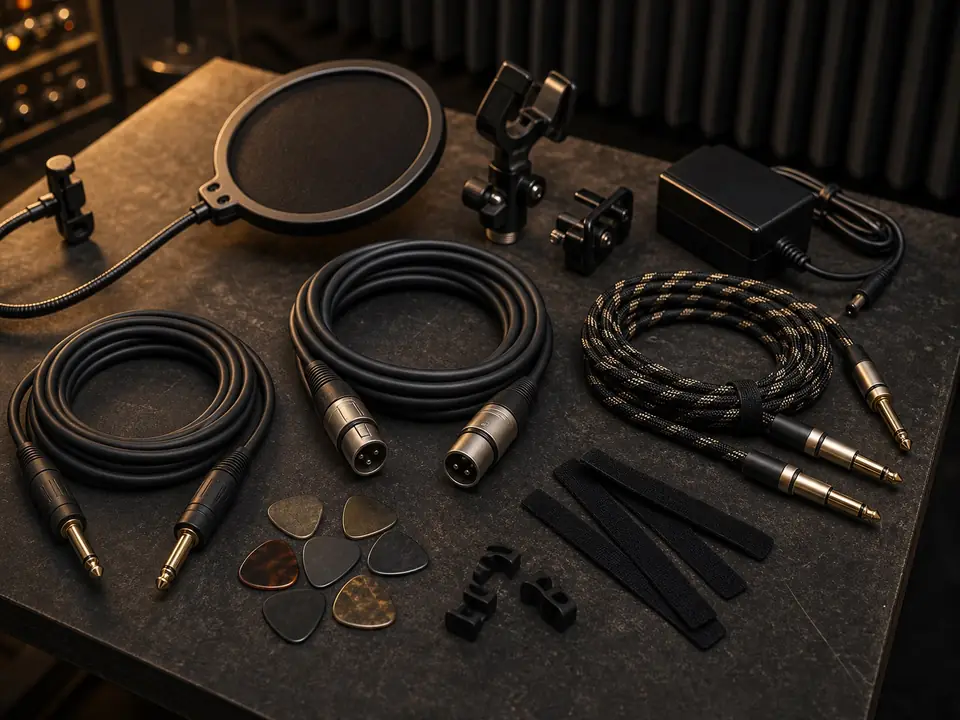
This focused review looks at the Gator Frameworks pop filter as a bedroom-vocal accessory, not as a second generic product review. The question is simple: does this kind of pop filter solve a real beginner problem before the singer spends money on a new microphone, plugin, or interface?
Quick Verdict
A Gator Frameworks pop filter is a practical first accessory for bedroom vocals when plosive bursts are the main problem. It is not a room-treatment tool, a vocal tone upgrade, or a fix for clipping. Buy it when your P and B sounds are hitting the microphone too hard; skip it if the recording mainly sounds boxy, echoey, distorted, or noisy.
Bedroom Vocal Fit
- Best fit: close vocal recording where bursts of air overload the mic capsule.
- Good room type: small untreated bedrooms where the singer records close to a dynamic or condenser microphone.
- Not the job: reducing room reflections, laptop fan noise, street noise, headphone bleed, or clipped gain.
- Setup dependency: the filter must sit between the mouth and microphone without making the singer lean into an awkward position.
What It Actually Solves
For beginners, a pop filter solves one narrow but common problem: fast air from consonants can hit the mic and create low-frequency pops. In a bedroom setup, that can make an otherwise usable vocal take sound amateur even when the microphone is decent. A filter also gives the singer a simple distance cue, which can make takes more consistent.
What It Does Not Solve
A pop filter will not make a reflective bedroom sound treated. It will not remove echo from bare walls, fix a bad gain setting, stop headphone bleed, or make a harsh microphone sound expensive. If the vocal sounds hollow or boxy, start with mic position and room setup. If the waveform is distorted, lower the input gain before buying accessories.
Setup Checks Before Buying
- Confirm your stand or boom arm has a place where the filter clamp can attach securely.
- Leave enough space between the filter and microphone so the mesh does not touch the grille.
- Check whether your recording position allows the singer to stay comfortable and centered.
- Use the filter with better mic placement, not instead of better mic placement.
Who Should Buy It
Buy this kind of pop filter if your vocal takes are otherwise usable but plosive sounds keep jumping out. It is also useful when multiple beginners share one setup and need a visual reminder for mouth-to-mic distance.
Who Should Skip It
Skip it as the next purchase if your biggest issue is room echo, headphone bleed, latency, background noise, or a poor monitoring path. Those problems need different fixes, and a pop filter can hide the real diagnosis if you expect it to do too much.
Alternatives
- Use better mic angle and distance if the plosives are mild.
- Use a foam windscreen if you need a more compact screen on a handheld-style dynamic mic.
- Improve room setup if the recording sounds boxy or echoey.
- Use closed-back headphones if the vocal mic is picking up the backing track.
Useful Next Steps
For the broader product context, read the main Gator Frameworks pop filter review. If you are still choosing accessories, use the pop filters and shock mounts guide. If you use a dynamic mic, see whether a dynamic microphone needs a pop filter. If the issue may be placement, start with microphone placement for better vocals and the home vocal recording hub.
FAQ
Is a pop filter enough for bedroom vocals?
It is enough only for plosive control. Bedroom vocals also depend on mic placement, input gain, room reflections, headphone isolation, and singer distance.
Should beginners buy a pop filter before upgrading microphones?
Often yes, if plosives are the audible problem. A low-cost accessory can fix air bursts that a more expensive microphone would still capture.
Does a pop filter reduce room echo?
No. It sits in front of the mic to reduce air blasts from speech and singing. Room echo needs placement changes, absorption, or a different recording position.
Review Basis
Review basis: This focused review is based on MusicalCritic editorial research, common beginner vocal setup problems, and accessory-fit logic. It does not claim hands-on testing, live price tracking, stock status, or brand authorization.