
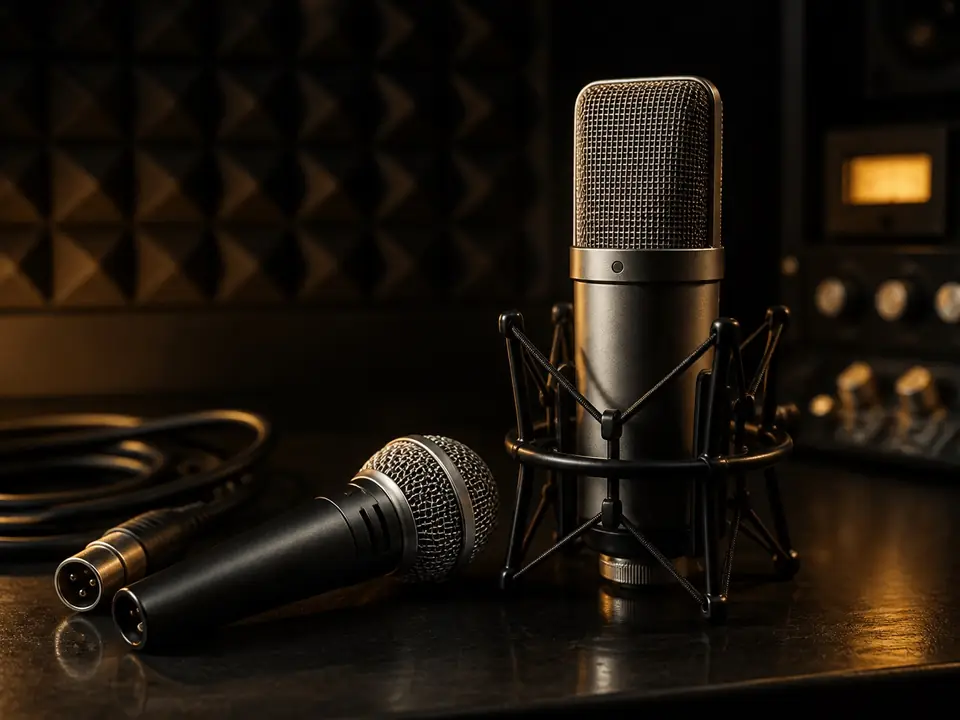
A beginner-friendly USB vs XLR microphone comparison focused on setup simplicity, upgrade path, audio interface needs, and long-term flexibility.
Answer First
USB is simpler for a first one-person setup. XLR is more flexible when you want a modular recording chain that can grow with interfaces, multiple inputs and different microphones.
Which should a beginner buy first?
Answer first: A USB microphone is usually the simpler first choice for one-person recording. An XLR microphone plus an audio interface is the better path when you want more upgrade room, multiple sources, separate gain and monitoring controls, or access to a wider microphone range.
Think of USB as a setup shortcut and XLR as an upgrade path. XLR does not automatically sound better if the room, gain staging and microphone technique are weak. Choose by workflow first: one voice now, or a setup you expect to expand.
| Decision factor | USB microphone path | XLR microphone + interface path |
|---|---|---|
| Required gear | Microphone, USB cable, computer and usually headphones. | Microphone, XLR cable, audio interface or mixer, USB cable, computer and headphones. |
| Setup difficulty | Lowest for a first one-person vocal, podcast or voiceover setup. | Higher because gain, interface routing and monitoring need to be understood. |
| Monitoring path | Depends on the microphone; some USB mics include headphone monitoring and mix controls. | Depends on the interface; direct monitoring and headphone controls are usually part of the interface workflow. |
| Upgrade flexibility | Limited if the microphone is USB-only. | Stronger because you can change the microphone, interface and input count separately. |
| Best for | Solo beginners who want one-cable recording for vocals, lessons, podcasting or simple demos. | Beginners planning vocal plus guitar, future multi-mic recording, or a modular home-studio chain. |
| Not for | Users who already need multiple microphones or a separate studio chain. | Users who want the least setup friction and do not want to learn interface routing yet. |
| Beginner mistake to avoid | Buying USB only because it is simple, then needing multiple inputs immediately. | Buying an XLR microphone without budgeting for an interface, cable and monitoring path. |
Choose by workflow
- Solo vocals: Start with USB if speed and simplicity matter most. Choose XLR plus interface if you want to build a chain you can upgrade.
- Vocal and guitar demos: Consider an interface path if you want to record a microphone and instrument source at the same time.
- Podcasting or voiceover: USB can work well for one person; XLR becomes more useful when guests, multiple mics or separate controls matter.
- Future multi-mic setup: Start with an interface plan instead of buying a USB-only mic that cannot join the expanded setup.
Common beginner mistakes
- Assuming XLR is automatically better before fixing room noise, placement or clipping.
- Forgetting that an XLR microphone needs a preamp/interface path for computer recording.
- Buying a USB microphone when the real need is multiple sources at once.
- Ignoring headphone monitoring and then struggling to perform against a delayed cue.
Evidence boundary: This section responds to recurring beginner questions found in bounded public-discussion research. Those discussions identify confusion and decision needs; they do not prove product performance, prices or universal rankings. Publishable setup claims remain based on general recording-chain logic and manufacturer-documented connection requirements.
Choose This Path If
Podcasters, vocalists, streamers, and home creators choosing a first microphone path.
Skip This Path If
Users expecting either connection type to guarantee better results without room, placement, and gain control.
Decision Checks
- USB microphones reduce setup complexity.
- XLR microphones need an interface or mixer path.
- Upgrade plans matter if you expect to add more microphones later.
Alternatives
- A USB/XLR hybrid microphone if flexibility matters.
- A dynamic XLR mic for controlled upgrade paths.
- A simple USB mic if speed matters more than expansion.
FAQ
Is USB or XLR better for beginners?
USB is usually better for beginners who want the fastest one-cable recording path. XLR is better for beginners who are ready to buy an audio interface and want more upgrade flexibility.
When should a beginner upgrade from USB to XLR?
Upgrade when you need multiple inputs, a different microphone choice, separate interface controls, or a more modular studio path. Do not upgrade only because you assume XLR always sounds better.
Does XLR always sound better than USB?
No. Connection type is only one part of the chain; microphone design, room, placement, and gain matter.
Do XLR microphones need an interface?
For computer recording, usually yes. They need a preamp and conversion path.
Review basis: This page is based on editorial research, manufacturer-visible product positioning, common setup needs, and MusicalCritic editorial judgment. It does not claim hands-on testing, real-time pricing, stock status, ratings, or fixed rankings.