
Breath noise is normal in vocal recording, but it becomes distracting when the mic is too close, the singer aims air directly at the capsule, gain is too high or the take is edited too aggressively. Start with mic angle, pop filter distance and cleaner retakes before relying on repair tools.
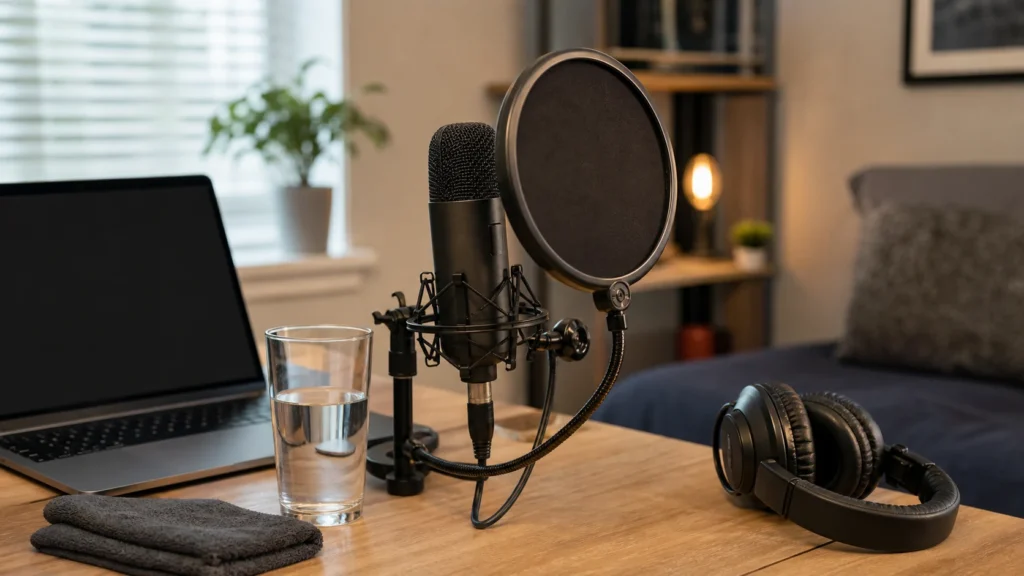
MusicalCritic may earn a commission from qualifying links. Illustrative home recording setup; no exact product model or hands-on test is pictured.
Quick Answer
Control breath noise by using a pop filter at a sensible distance, angling the microphone slightly away from direct air blasts, keeping input gain moderate, taking short water breaks and recording targeted retakes for lines with loud inhales or mouth noise.
What Breath Noise Is
Breath noise includes loud inhales, air hitting the microphone, mouth clicks and close-mic bursts that are not full plosives. Some breathing can make a vocal feel natural. The goal is not to remove every breath; it is to prevent distracting noises that pull attention away from the performance.
Start With Position
If the microphone is directly in the path of your breath, small movements can sound big. Keep the pop filter between your mouth and the mic, then angle the mic or your mouth slightly so air does not hit the capsule straight on. Do not move so far away that the room becomes louder than the voice.
Breath Noise Checklist
| Problem | Likely cause | First fix |
|---|---|---|
| Loud inhale before every line | Performance habit or close mic | Practice phrase timing and use a small angle change. |
| Air blasts on soft words | Breath hitting the capsule | Use pop filter distance and off-axis placement. |
| Clicks in quiet gaps | Dry mouth or close capture | Pause for water and retake the line. |
| Breaths jump after processing | Compression or gain choices | Fix source noise before heavy editing. |
Keep Gain Moderate
High gain captures more quiet details, including breath and room noise. Set gain from the loudest phrase and keep the singer close enough for a strong signal without crowding the microphone. If the take is too quiet, check performance level and monitoring before turning the input up sharply.
Know What To Edit
It is common to lower a few distracting breaths in editing. Do not remove every breath automatically, because the vocal can start to feel unnatural. If a breath is louder than the word after it, a targeted retake may sound better than heavy repair.
Common Mistakes
Do not put the pop filter against the microphone grille. Do not sing directly into the capsule from too close. Do not over-compress a noisy raw vocal while tracking. Do not ignore water breaks if mouth clicks are obvious. Do not treat breath noise as a gear problem before checking technique.
What To Read Next
For accessory choice, read pop filter vs windscreen for home vocal recording. For retake decisions, read what to check before re-recording vocals at home. For mouth clicks, read how to reduce mouth clicks when recording vocals.
FAQ
Should every breath be removed?
No. Keep natural breaths when they support the performance and lower only the distracting ones.
Does a pop filter remove breath noise?
It can reduce some air blasts and plosives, but mic angle, distance and performance still matter.
Is breath noise a sign of a bad microphone?
Usually not. It is more often a close-mic technique, gain or editing issue.