
Quick Answer
For quiet home vocals, a budget condenser mic is a good first buy only when your room is already quiet and you can control plosives, distance and headphone bleed. Choose USB if you want the simplest computer setup; choose XLR if you already have or plan to buy an interface with phantom power. If fan, street or computer noise is clearly audible, start with a dynamic mic or room-control upgrade instead.
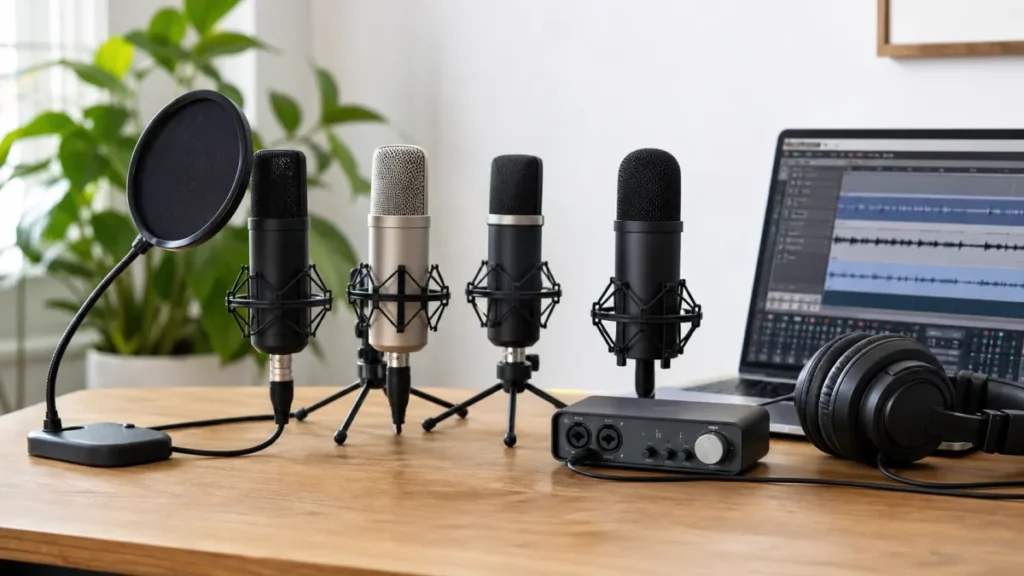
MusicalCritic may earn a commission from qualifying links. Illustrative recording setup images do not show exact product testing unless a page explicitly says otherwise.
In this guide, “budget” means low-complexity and lower-risk for a beginner, not a live price promise. Check current pricing and availability before buying.
Evidence boundary: this is a criteria-first buying guide based on official product specifications and beginner home-recording workflow analysis. It does not claim live price data, live stock, retailer rankings, MusicalCritic first-hand lab use, measured room noise, measured self-noise comparison or brand authorization.
Use this buying guide when you are deciding whether a condenser-mic setup fits your room and whether USB or XLR is the better path. If you already own a microphone and need help with recording time or placement, use the quiet apartment setup guide. If your problem is gain, mic distance, or room or fan noise becoming more noticeable during a soft take, use the quiet-vocals noise-floor guide.
What Budget Should Mean Here
For a quiet singer, the cheapest microphone is not automatically the safest purchase. A condenser can capture more vocal detail, but the total setup may need a stand, pop filter, closed-back headphones, interface, cable and room changes.
The better budget decision is the mic path that lets you record a usable take without immediately buying replacement gear.
Source-Bound Candidate Table
| Candidate path | Connection | Power need | Best fit | Caution |
|---|---|---|---|---|
| Audio-Technica AT2020 | XLR condenser | 48 V phantom power | Beginner XLR condenser setup with an interface | Requires interface, stand, pop control and room discipline |
| Audio-Technica AT2035 | XLR condenser | 11-52 V phantom power | Users who value included shock mount/pouch from official package info | Still needs interface, cable path, headphones and controlled room |
| RODE NT1 Signature Series | XLR condenser | Phantom-powered XLR setup | Users building a more complete condenser vocal chain | Do not buy as a USB shortcut; check total setup cost |
| Audio-Technica AT2020USB-X | USB condenser | USB computer connection | Beginners avoiding an audio interface first | USB simplicity does not remove room-noise limits |
What To Check Before Choosing
Check the connection path first. XLR condensers usually require an audio interface or mixer with phantom power. USB condensers connect more directly to a computer, but they keep you inside that USB workflow.
Check the room next. If a silent-room test clearly captures fan, street or computer noise, a condenser may make the problem harder to ignore.
Check monitoring and pop control. Quiet vocals often need close placement, which makes plosives and headphone bleed more important.
Who Should Not Buy A Condenser First
Do not buy a condenser first if your room is consistently noisy, if you cannot record away from hard reflective surfaces, or if you expect the microphone to fix clipping, bad gain staging or headphone bleed.
Also wait if the budget only covers the mic body. A condenser setup without a stable stand, pop filter, monitoring and correct power path is not really complete.
When To Choose Dynamic Instead
Choose a dynamic mic path if close singing is comfortable, room control is weak, or the first goal is a controlled demo rather than capturing every soft detail. A dynamic mic can be a more forgiving learning tool before moving to condensers.
Setup Checklist
- Confirm USB or XLR before buying.
- Confirm phantom power for XLR condensers.
- Use a stable stand or boom arm.
- Add pop control before close vocal takes.
- Use closed-back headphones while recording.
- Record a room-noise test before judging the microphone.
- Avoid current-price assumptions until checking a retailer directly.
FAQ
Is a budget condenser mic good for quiet vocals at home?
Yes, if the room is already quiet and you can manage distance, plosives and headphone bleed. If room noise is obvious in a test recording, a dynamic mic or room-control fix is usually safer first.
Should a beginner choose a USB or XLR condenser mic?
Choose USB when you want the simplest computer setup and do not want to buy an audio interface yet. Choose XLR when you already have, or plan to buy, an interface with phantom power and want a more upgradeable path.
When is a dynamic mic safer than a budget condenser?
A dynamic mic is safer when the room has fan, street, computer or reflection noise, or when the first goal is a controlled demo instead of capturing every soft vocal detail.
Do condenser mics need phantom power?
XLR condenser microphones commonly need phantom power from an interface or mixer. Always check the specific mic manual before connecting it.
How We Test
Criteria-first buying guide based on official product specifications and beginner workflow analysis. MusicalCritic does not claim current prices, live stock, retailer rankings, hands-on testing, measured room noise, measured self-noise comparison or brand authorization.
Review Basis
Audio-Technica AT2020, AT2035, AT2020USB-X and RODE NT1 Signature Series official sources checked 2026-07-20; source evidence is logged in content-source-verification-2026-07-20-0000-0800-batch.md.