
Vocal layers become messy when every new take is treated as equally important. Beginners should give each layer a role, record one section at a time, label tracks clearly and delete or mute layers that do not make the lead vocal easier to understand.
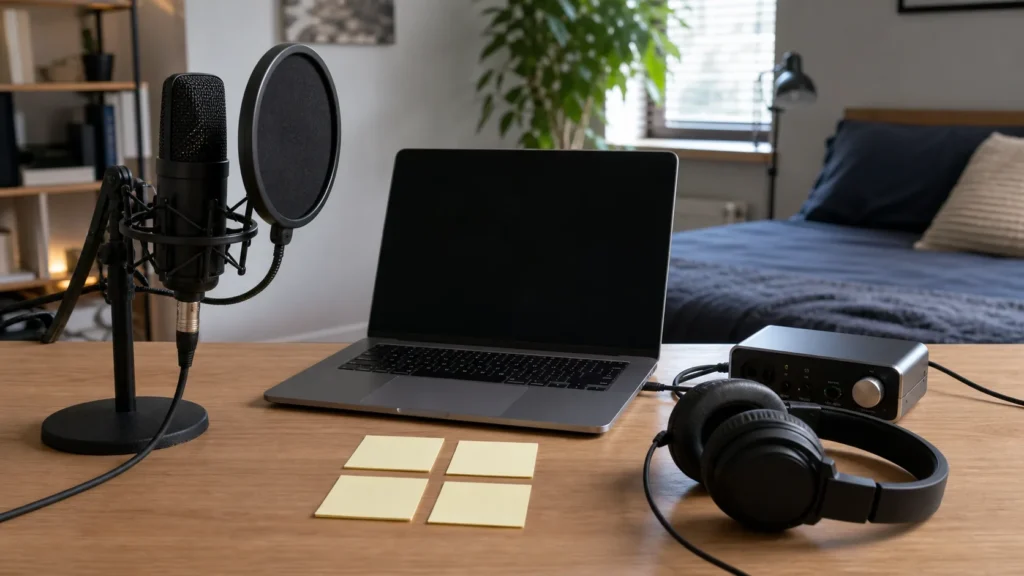
MusicalCritic may earn a commission from qualifying links. Illustrative home recording setup; no exact product model or hands-on test is pictured.
Quick Answer
To record vocal layers at home without clutter, start with a strong lead vocal, add one layer type at a time, name tracks by role, check timing at low volume and remove layers that cover the main lyric or repeat the same musical job.
Give Every Layer A Role
A layer might be a double, harmony, backing vocal, ad lib or texture. If you cannot name what a layer does, you may not need it. Clear roles keep the session from filling up with takes that sound exciting alone but confusing together.
Build From The Lead Outward
Choose the main vocal first. Then add one support layer and listen. If it helps, keep going slowly. If it distracts, mute it before recording more. This prevents the common beginner problem of stacking five tracks before noticing that the lead vocal still needs work.
Layer Control Checklist
| Layer type | Use it for | Warning sign |
|---|---|---|
| Double | Size and confidence | Loose timing makes the lead blurry |
| Harmony | Chord color or lift | The melody becomes hard to follow |
| Backing vocal | Support or response | It competes with the lead lyric |
| Ad lib | Energy and character | It fills every empty space |
Use Track Names As Quality Control
Use names such as chorus double one, low harmony, bridge response or soft texture. Vague track names make later decisions harder. If you cannot name the section and purpose, the part is probably not ready to keep.
Common Mistakes
Do not record layers from different distances without a reason. Do not keep every take because you might use it someday. Do not add harmonies before checking the lead. Do not place ad libs over the most important words. Do not confuse more tracks with a better vocal arrangement.
What To Read Next
For track names, read how to label vocal takes. For ad libs, read how to record ad libs without clutter. For backing parts, read how to record backing vocals.
FAQ
How many vocal layers are enough?
Enough is the number that makes the song clearer or stronger. For beginners, one lead, one double and one support part can be plenty.
Should I keep unused layers?
You can archive them, but mute or remove them from the working mix so they do not distract decisions.
Do layers need different tones?
Not always. A consistent setup often blends better for beginner home sessions.