
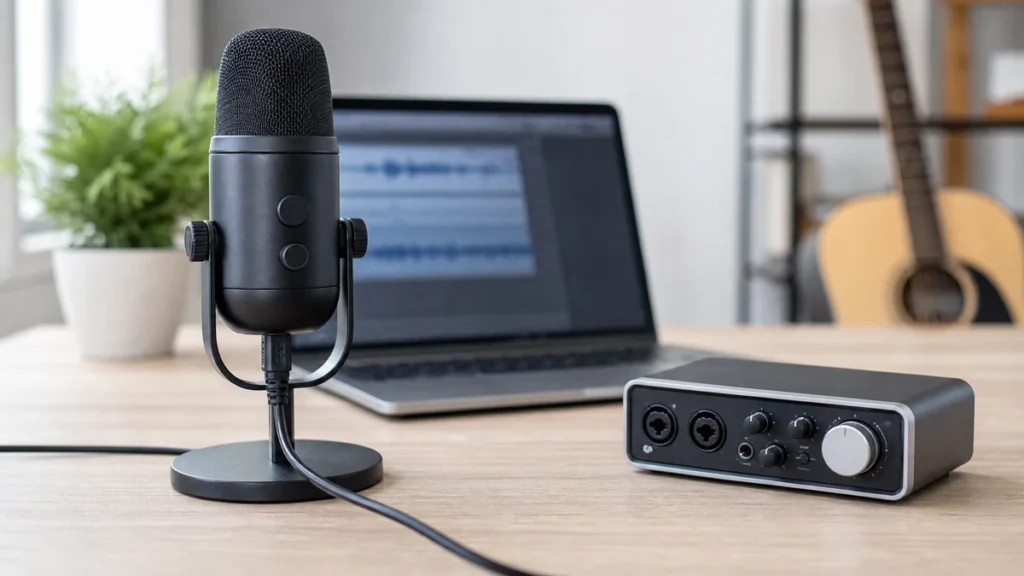
Most USB microphones do not need a separate audio interface. A USB microphone already has the basic conversion and connection path built in, so it usually plugs directly into a computer, tablet or compatible device.
MusicalCritic may earn a commission from qualifying links. This page uses source-bounded editorial guidance; it does not track real-time offers, availability or seller review scores.
Direct Answer
A USB microphone usually connects directly to your recording device and does not use an audio interface. An audio interface is mainly for XLR microphones, instruments and setups where you need dedicated inputs, headphone monitoring, gain knobs and upgrade flexibility.
Why USB Mics Usually Skip The Interface
A USB microphone combines a microphone capsule, preamp, analog-to-digital conversion and USB output in one device. That is why beginners like them: there are fewer parts to choose, fewer cables to troubleshoot and fewer gain settings before the first recording. In many beginner vocal, podcast and lesson setups, the USB mic is the interface for that one microphone.
When An Audio Interface Is Still Useful
An interface becomes useful when you want to use XLR microphones, record an instrument input, connect studio monitors, use stronger headphone output or manage direct monitoring more clearly. It also makes sense if you expect to upgrade microphones over time and want the interface to remain part of the setup.
Can You Plug A USB Mic Into An Interface?
Usually no. A standard USB microphone is designed to plug into a host device, not into the XLR input of an interface. Some interfaces have USB ports for computer connection only, not for accepting a USB microphone as an input. Check the product manual before assuming two USB audio devices can be combined smoothly in one recording app.
USB Mic Vs XLR Interface Setup
| Question | USB Mic | XLR Mic With Interface |
|---|---|---|
| Fewest parts? | Yes | No |
| Easiest upgrade path? | Limited | Stronger |
| Direct hardware gain knobs? | Sometimes | Usually |
| Multiple sources? | Limited | Better with enough inputs |
Beginner Buying Advice
Choose a USB microphone if your main goal is to start recording one voice quickly. Choose an XLR microphone and interface if you want a more modular setup or plan to record instruments, guests or different microphones later. Neither path fixes a noisy room or poor mic placement by itself.
Read Next
Use the home vocal recording hub to plan the whole beginner path. For a direct connector comparison, read USB mic vs XLR mic for home vocals. For budget planning, read how to build a vocal recording kit under 300.
FAQ
Will an interface make a USB mic sound better?
Not in the normal setup, because the USB mic does not pass through the interface microphone preamp. Improve placement, room noise and gain first.
Do XLR microphones need an interface?
For computer recording, yes in most beginner setups. An XLR microphone needs a compatible preamp and conversion path, which an audio interface usually provides.