
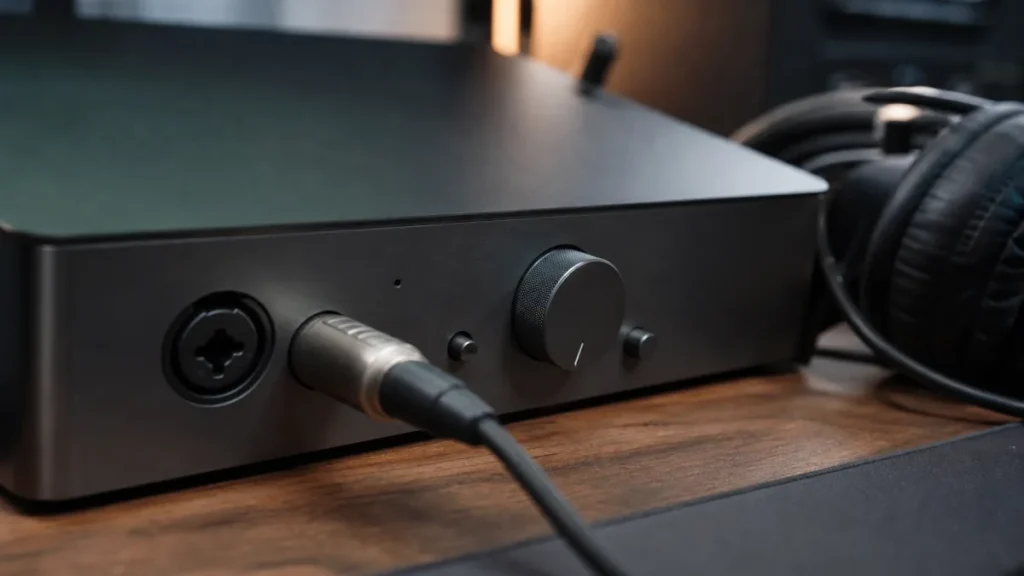
A pad switch reduces the signal level before it hits the next stage of the recording chain. On a microphone, it helps prevent a very loud source from overloading the mic output or preamp. Beginners recording normal vocals usually do not need to turn on a pad unless the signal is too hot even with sensible gain settings.
MusicalCritic may earn a commission from qualifying links. This page uses source-bounded editorial guidance; it does not track real-time offers, availability or seller review scores.
Quick Answer
A pad is a level-reduction switch, often marked with a negative dB value. It is not a tone button, compressor or noise remover. Use it when the source is loud enough to overload the input path.
Mic Pad vs Interface Pad vs Gain Knob
| Control | What it does | Beginner note |
|---|---|---|
| Mic pad | Reduces level at or near the microphone output | Useful before the signal reaches the interface. |
| Interface pad | Reduces level at the interface input | Useful when the interface input is being hit too hard. |
| Gain knob | Raises or lowers preamp gain | Set this first for normal vocals. |
When Beginners Might Use A Pad
- Recording a very loud singer at close distance.
- Recording loud instruments such as drums, guitar amps or brass.
- The input still clips even after lowering gain to a sensible level.
- The mic or interface manual recommends using the pad for high-level sources.
When To Leave It Off
For normal home vocal recording, leave the pad off unless you see or hear overload. Turning it on when you do not need it can make the signal unnecessarily quiet, which may lead you to raise gain elsewhere.
Simple Troubleshooting Flow
- Set the singer at the real recording distance.
- Sing the loudest line and watch the DAW or interface meter.
- If the input clips, lower the gain first.
- If clipping remains at low gain, try the pad.
- Record a short take and listen for distortion, hiss and room noise.
Read Next
- Home Vocal Recording for Beginners
- How To Set Mic Gain For Vocals At Home
- Best Entry Audio Interfaces for Vocalists
FAQ
Does a pad switch reduce background noise?
No. It reduces signal level. It does not remove room noise, fan noise or reflections.
Is a pad the same as phantom power?
No. Phantom power supplies power to many condenser microphones. A pad lowers signal level.
Should I use the pad for vocals?
Usually no. Use it only when normal gain control cannot prevent overload.