
Microphone Accessory FAQ
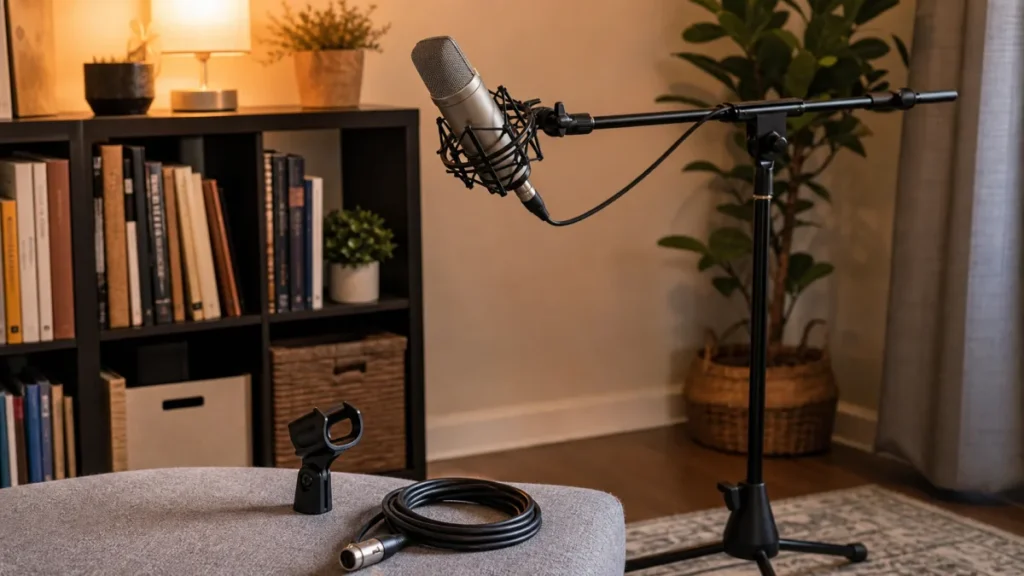
Answer first: You need a shock mount if stand vibration, desk bumps or floor movement are getting into your microphone. You may not need one if your mic is stable in its clip and your problem is plosives, room reflections or background noise instead.
MusicalCritic may earn a commission from qualifying links. This FAQ is setup guidance, not vibration measurement or a universal accessory recommendation.
When a Shock Mount Helps
- You hear thumps when touching the desk or stand.
- The microphone sits on a desk stand near a keyboard, laptop or table edge.
- The floor moves when the singer shifts position.
- Your condenser microphone is designed for a compatible suspension mount.
When the Included Clip Is Enough
- The microphone is held securely and safely.
- You do not touch the stand during takes.
- You use a handheld-style dynamic microphone on a stable stand.
- Your main issue is popping, room echo or fan noise.
Compatibility Matters
Shock mounts are not universal. A mount that does not fit the microphone body can block the cable, sag during takes or make the stand top-heavy. Check exact fit, thread adapters and stand stability before buying.
Simple Test
- Record silence while the mic is armed.
- Lightly tap the desk or stand away from the microphone.
- Listen for low thumps in the recording.
- If thumps are clear, try better stand placement, a shock mount or both.
Read Next
- Home Vocal Recording for Beginners
- Shock Mount vs Stand Clip for Home Vocals
- How to Place a Pop Filter for Vocal Recording
FAQ
Does a shock mount improve vocal tone?
Not directly. It can reduce mechanical vibration, but mic distance, room sound and performance still drive the vocal result.
Do dynamic microphones need shock mounts?
Often no for basic home vocal use, especially with a stable stand and compatible clip.
Can a shock mount fix plosives?
No. Plosives are usually handled with distance, angle, a pop filter or a windscreen.