
USB Microphone FAQ
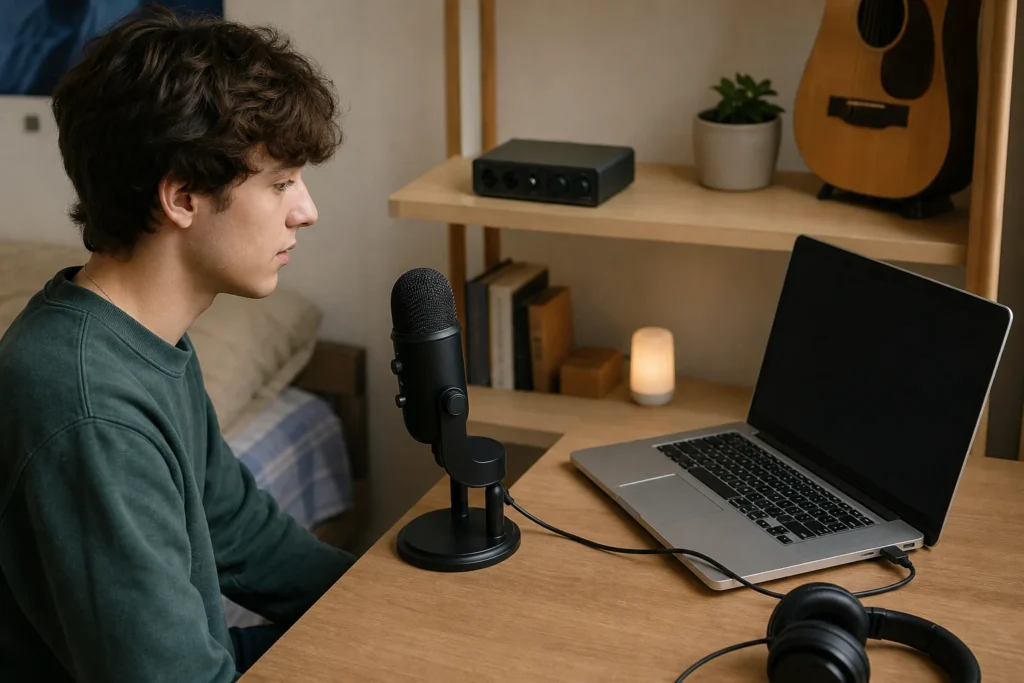
Short answer: Usually no. A USB microphone already has its own computer connection path, so it normally does not need a separate audio interface the way an XLR microphone does.
The exception is workflow, not magic: device compatibility, monitoring needs, multiple sources and upgrade goals can still make an interface-based XLR setup the better choice.
Why USB Mics Usually Skip the Interface
A USB microphone is designed to send audio to a computer or supported device through USB. An audio interface is mainly used to connect XLR microphones, instruments and line sources to recording software.
MusicalCritic may earn a commission from qualifying links. This guide uses source-bound setup logic and editorial buyer analysis. It does not claim lab testing, retailer availability tracking or a universal best choice for every room.
When a USB Mic May Still Be the Wrong Tool
- You need to record vocal and guitar separately through the same rig.
- You want multiple microphones.
- You need a specific direct-monitoring workflow your USB mic does not provide.
- You want to upgrade through XLR microphones later.
- Your phone or tablet compatibility is uncertain.
Beginner Rule
Choose USB for one simple vocal path. Choose an interface and XLR microphone when you need more inputs, routing flexibility or a longer upgrade path.
Read Next
- Home Vocal Recording for Beginners
- Audio Interface vs USB Microphone for Beginner Vocals
- Is a USB Microphone Good Enough for Vocals?
FAQ
Can I plug a USB microphone into an audio interface?
Usually no. USB microphones are made for USB host devices, while audio interfaces usually accept XLR, instrument or line inputs.
Is XLR better than USB?
XLR is more flexible for upgrading, but USB can be simpler for one beginner vocal path.
Does a USB microphone work on every device?
No. Compatibility depends on the microphone, device, operating system, adapter and power requirements.